
To comment on a video on the TORSH Talent mobile app, tap on the video from the Videos & Files page in the app. The video will automatically play and at the bottom of the screen, you will see the option to leave a Time-Synced Comment or Summary Comment.
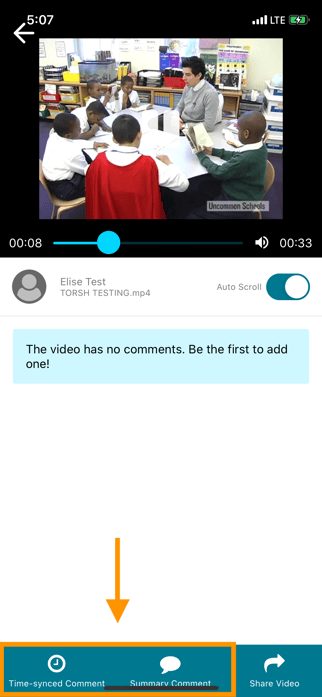
Choose your option and the video will pause. Type your comment and then tap 'Comment.' The video will continue to play. You can also reply to existing comments by clicking on the gear icon next to the comment and selecting 'Reply.'
Rather watch a video? Check out our tutorial on commenting on videos in the TORSH Talent app here. HIPAA users, click here.