
The Complete a Data Form component is a component of Learning Path modules that assign learners the task of completing either an observation, a self assessment, or a data form using a specified template. The component may even include a specific artifact to observe when completing the assigned form.
If an artifact has been assigned to you, watch or review the artifact and then complete the form template below it. If viewing a video artifact, you can even place timestamps in your form template's comment boxes, much like you would any other observation or self assessment on the platform.
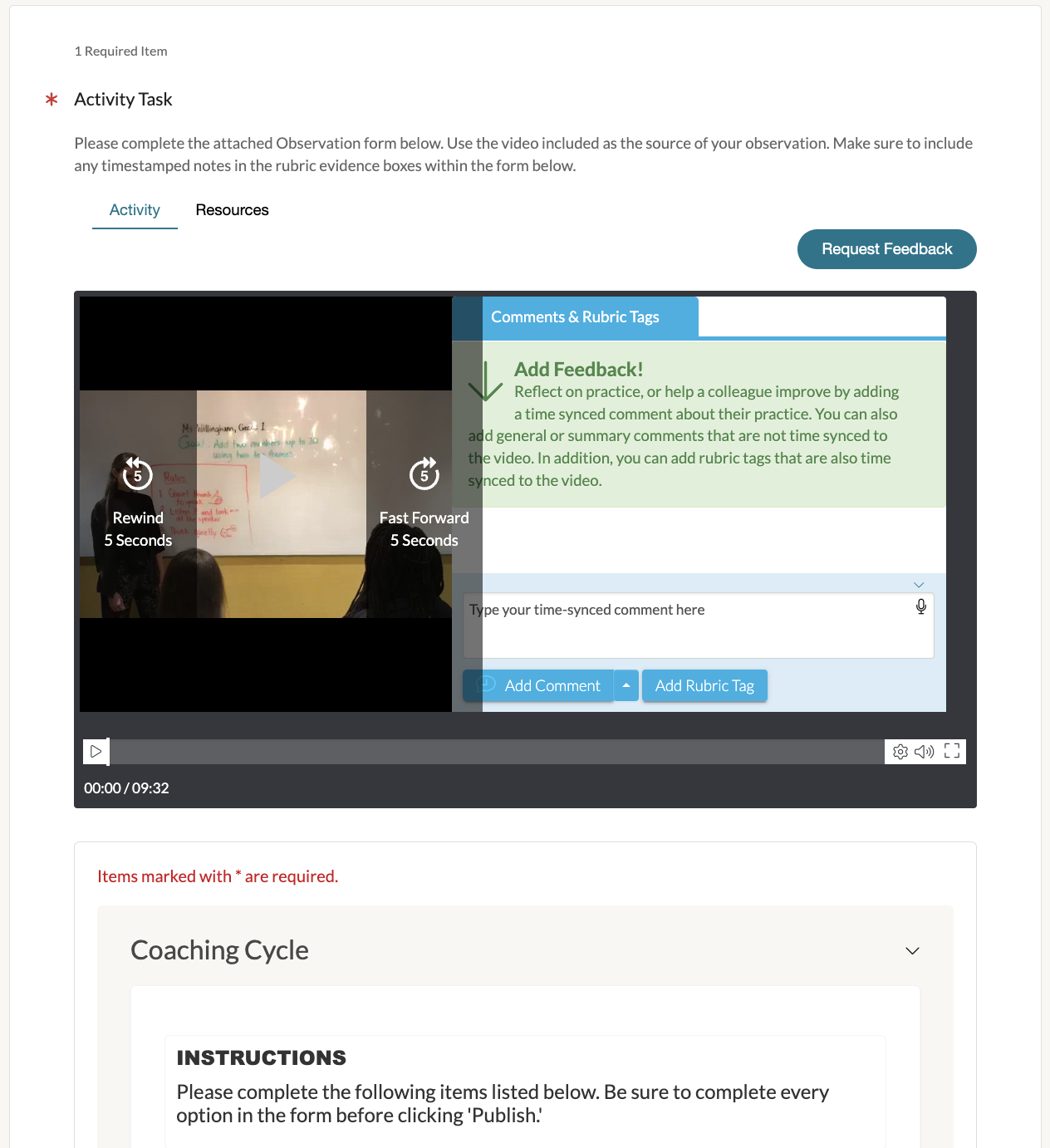
When you fill out a form for this component, all of your modifications will save automatically.
The form will only be marked as complete once you mark the page the component is located on as complete.

Doing so will display the completed form in your Coaching Corner under the Observations tab and its 'Completed Observations' page.

If the component has been enabled to allow for you to make further modifications after marking the page as Complete, you can make further edits to the form - either from the Learning Path module or to the form directly in Coaching Corner.
If editing permission is allowed, find your completed form in Coaching Corner, click on its '... icon' and select 'Manage' to make further adjustments. Be sure to click 'Save as Complete' to save your modifications.

Any changes you save to a once-completed form for a Complete a Data Form component - whether in Coaching Corner or the Learning Path it was assigned through - will save to the component within your module as well.