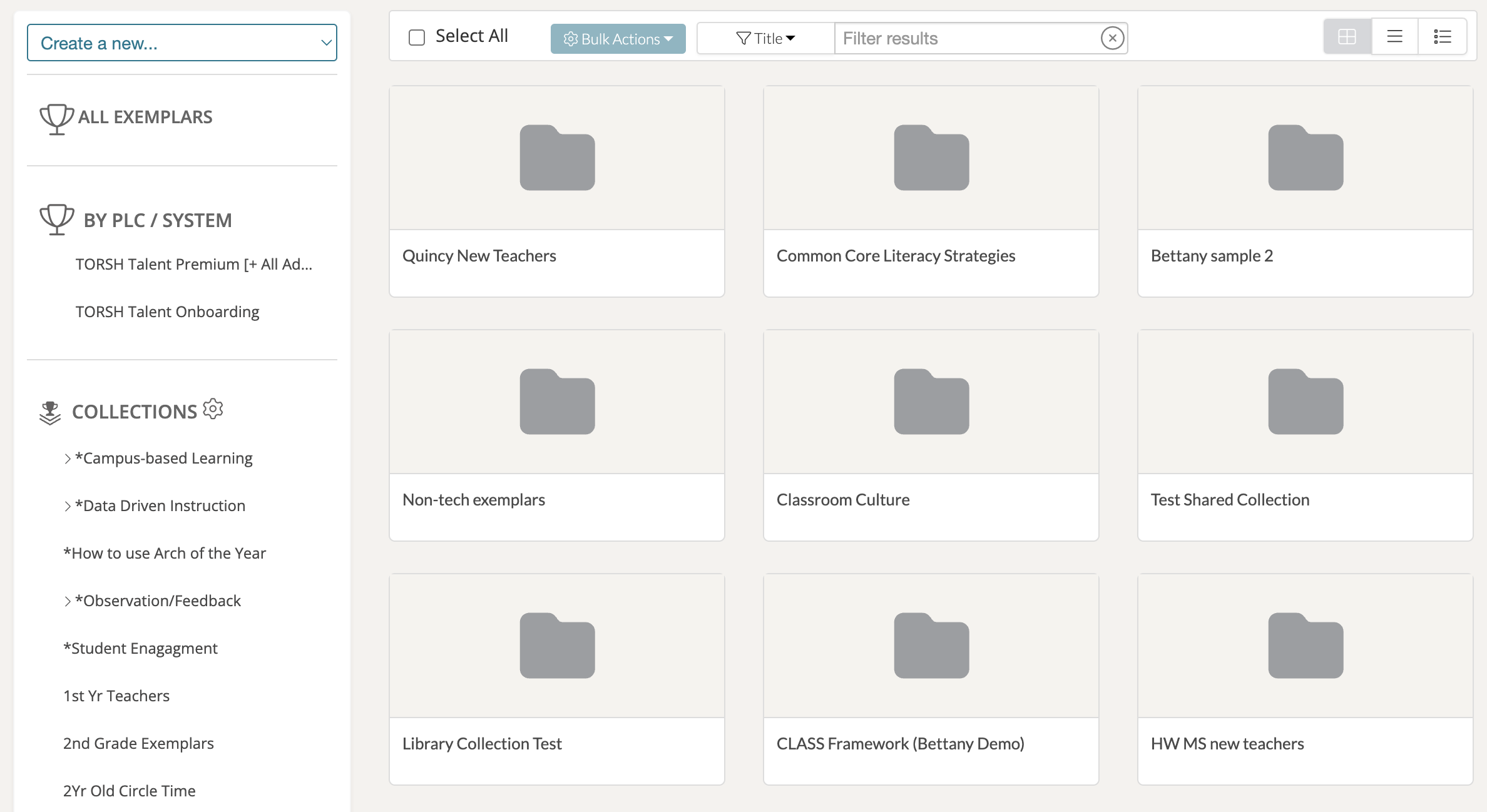
In TORSH Talent, System Admins have the ability to modify the Exemplar Library page for all users in the system to display exemplar collections as folders! Any exemplars that were added to a collection will now appear in that designated folder collection when you click on it.
To display your Exemplar Collections as folders, first navigate to your 'Videos & Files' page on Talent.

Then find the 'Collections' section on the left-side panel and click on the 'gear icon' to open the Exemplar Collections Management pop-up.

At the top of the Exemplar Collections Management pop-up, you will find a setting that reads:
NOTE: Items placed into Collections are organized into folders. This will make collections appear as if they were folders.
Click the 'YES' toggle to activate this Exemplar Library display for all users in your system. You can always revert to the original display (with exemplar collections only appearing on left-side Collections the side-panel) at any point.