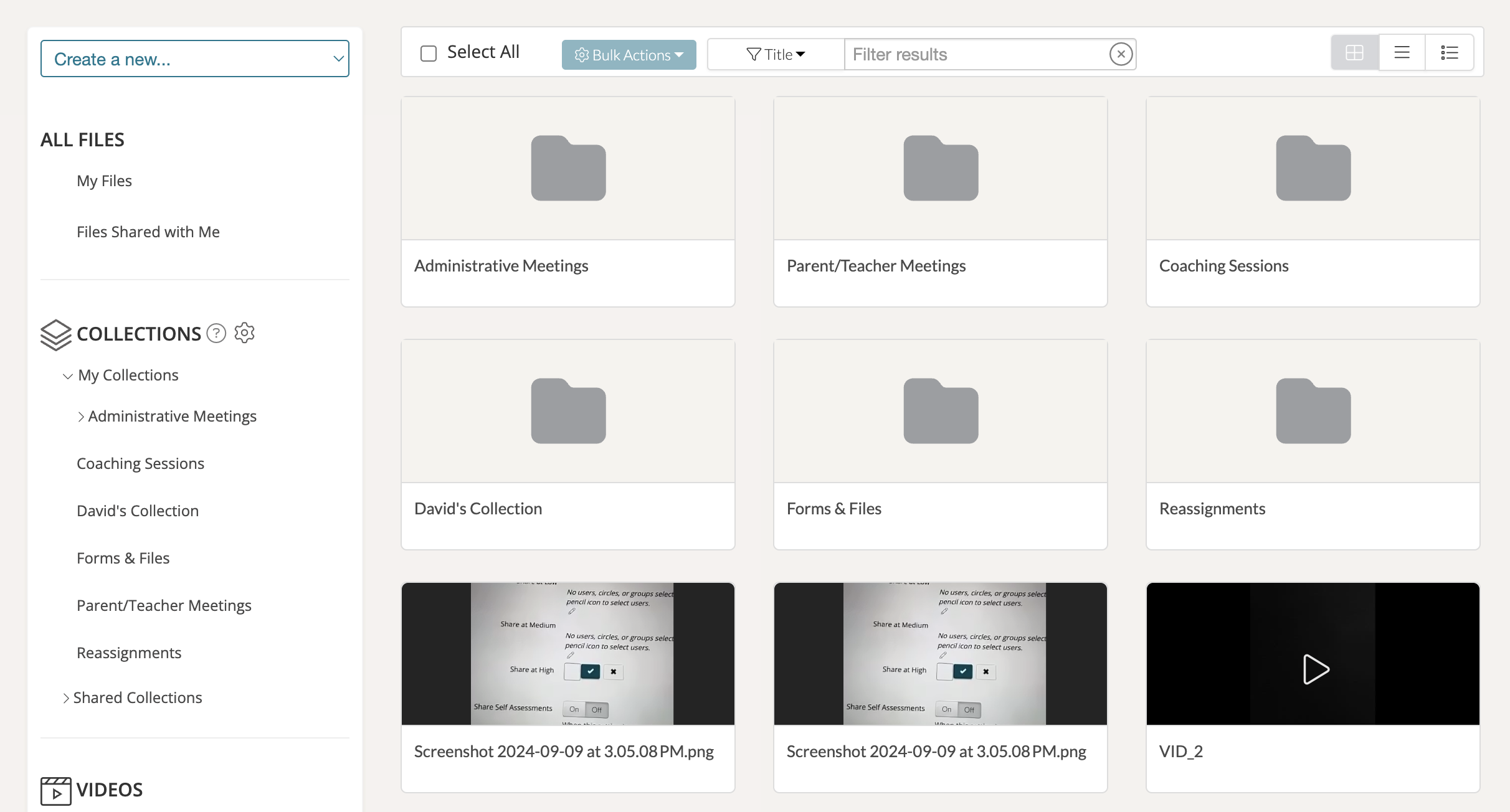
In TORSH Talent, you have the ability to modify your Videos & Files page to display your collections as folders! Any videos & files that were added to a collection will now appear in that designated folder collection when you click on it.
To display your Videos & Files Collections as folders, first navigate to your 'Videos & Files' page on Talent.

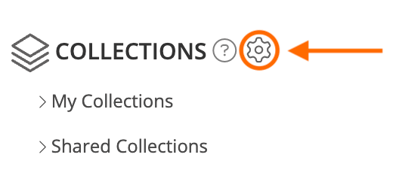
Then find your 'Collections' section on the left-side panel and click on the 'gear icon' to open the Collections Management pop-up.
At the top of the Collections Management pop-up, you will find a setting that reads:
NOTE: Items placed into Collections are organized into folders. This will make collections appear as if they were folders.
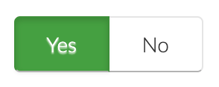
Click the 'YES' toggle to activate this Videos & Files display for your account on the website. You can always revert to the original display (with your collections only appearing on left-side Collections the side-panel) at any point.