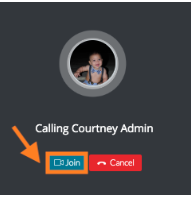
When you are logged in to TORSH Talent and an incoming Zoom call is coming through, you will hear a ring and see a notification that someone is calling you on the bottom right side of your TORSH Talent window.
To answer the call, click ‘Join’ to join the incoming call.
Zoom will launch in a separate window. Select ‘Open zoom.us.’

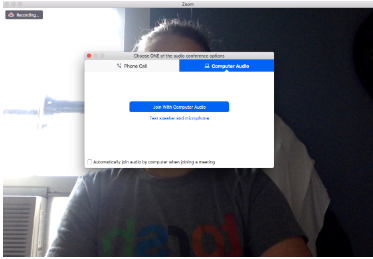
Your Zoom video call will open. You can then choose whether or not you want to join with video and also choose your desired audio device option.