
In TORSH Talent, you can add a URL as an individual artifact to your Videos & Files page by following the steps provided below.
First, navigate to your 'Videos & Files' in the top navigation bar.
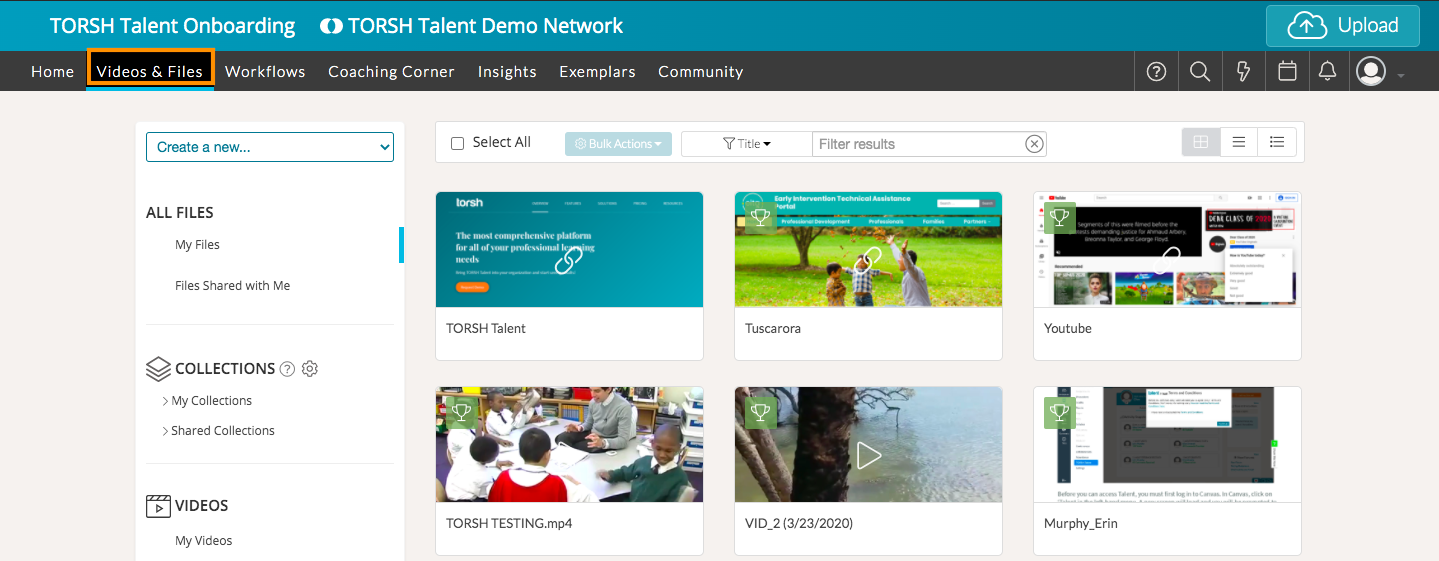
Next, click on the 'Create a new...' dropdown menu on the left side of the page.

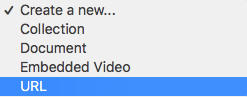
Select 'URL' from the dropdown list.
Enter the title text you would like to display, along with the web address (URL). Be sure to click 'Submit' when you're done!

Once the URL is in your Videos & Files page, you can share it, duplicate it, edit the thumbnail, manage it in your collections, add it to your Exemplar Library (If you're an Admins or Coach with this ability), and delete it, if you so choose!
