
Moderators can be added to a public or private Forum to perform management functions within the forum. Moderators have the ability to add Members to a forum, change the title and description of the forum, as well as lock a thread within a forum from further commenting/posting.
Adding Moderators to a Private Forum
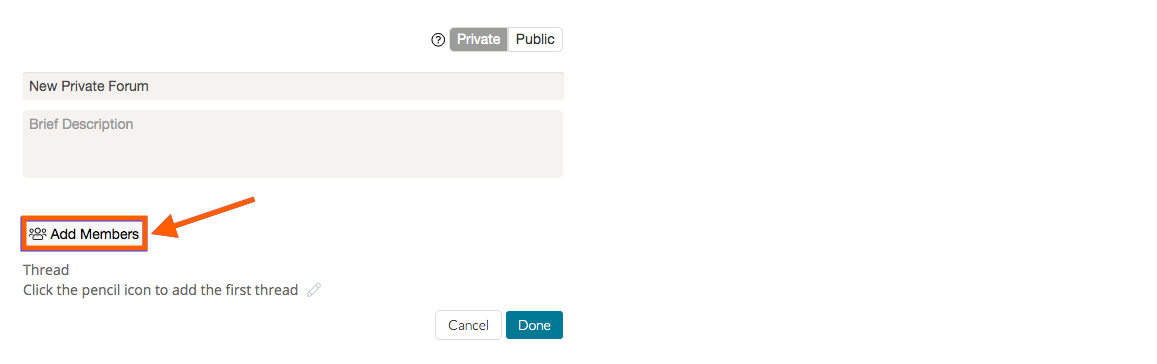
To add moderators to a private forum, first create your forum then select 'Add Members' and choose the users you would like to add. In a private forum, moderators must be members of the forum first.
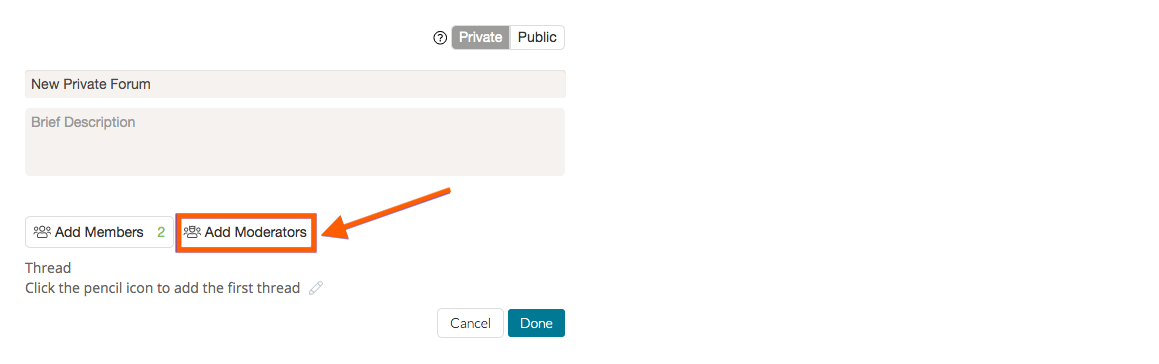
You can then select 'Add Moderators' to add the people you would like to moderate the forum. Then click the 'Add & Notify' button.
Adding Moderators to a Public Forum
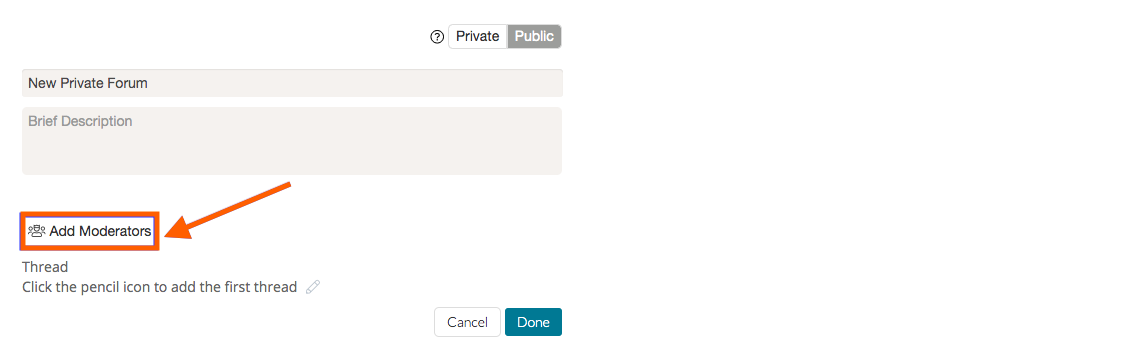
To add moderators to a public forum, simply select 'Add Moderators,' then select the people you would like to moderate and click the 'Add & Notify' button.
Removing Moderators
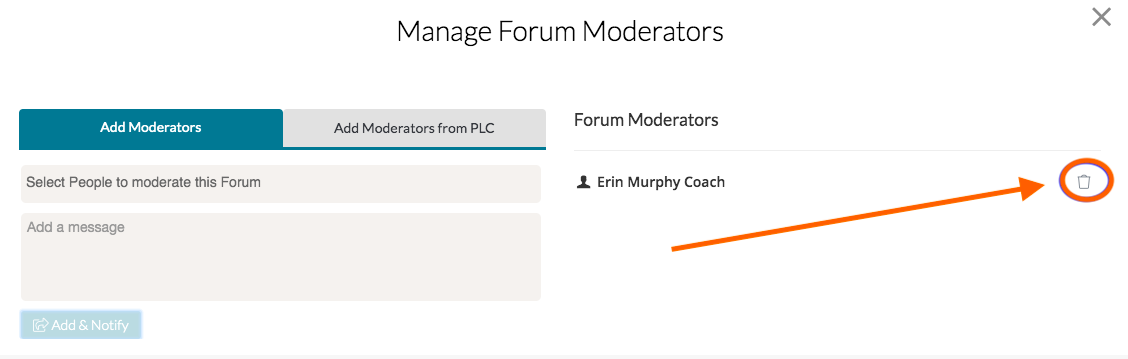
As the owner of the forum, you can always delete a moderator by clicking the 'trash bin icon' button next to the moderator’s name.
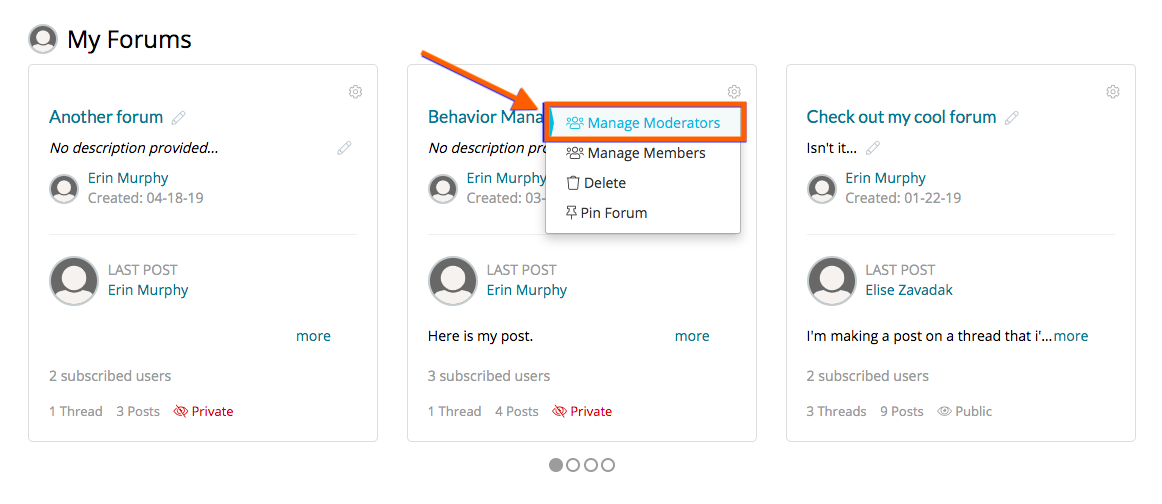
You can also do this from the Forum homepage by clicking the 'gear icon' for the forum you want to update and then 'Manage Moderators.'
Rather watch a video? Check out our tutorial on Moderators in Forums here. HIPAA users, click here.