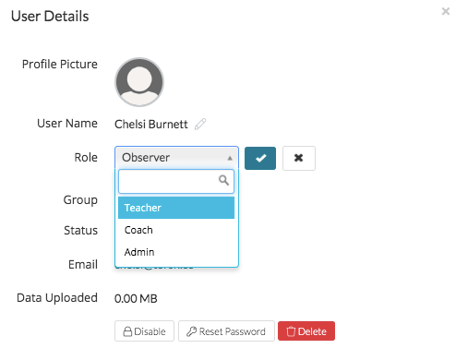
As a System Admin of a Premium system, you can easily change the role of an Observer in your system to a Mentee, Coach, or Admin. To do so, visit the 'Users' page of your Admin Management Panel.
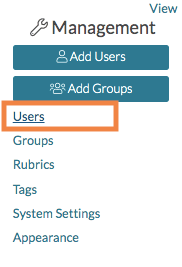
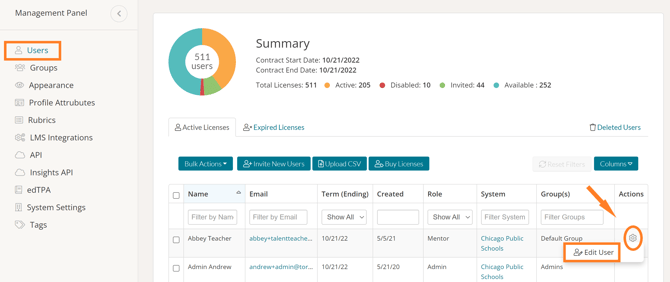
Once there, find the user whose role you'd like to edit. Click on the gear icon in the Actions column in the row of that user and select 'Edit User.'
From here, you can click the 'pencil icon' next to Observer and select the desired role from the dropdown menu that appears. When you are done, click the blue checkmark icon.