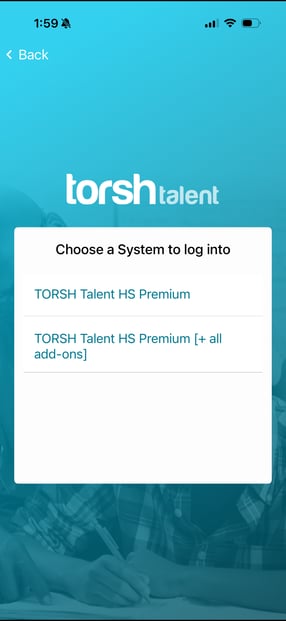
When you have multiple TORSH Talent accounts, and you log into the TORSH Talent mobile app, you will be given the option to select a specific system to log into!
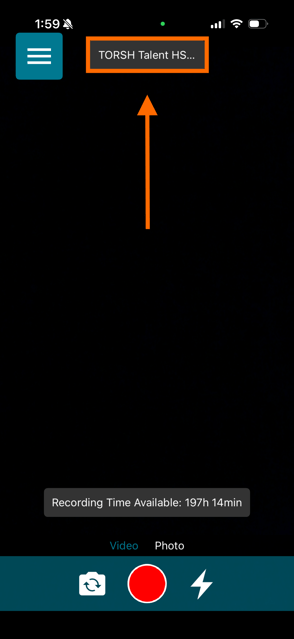
the TORSH Talent mobile app will send your uploads to the system you are currently logged in to on the mobile app. Whenever you access the Camera page, you will see a label at the very top that tells you which system you are currently logged into.
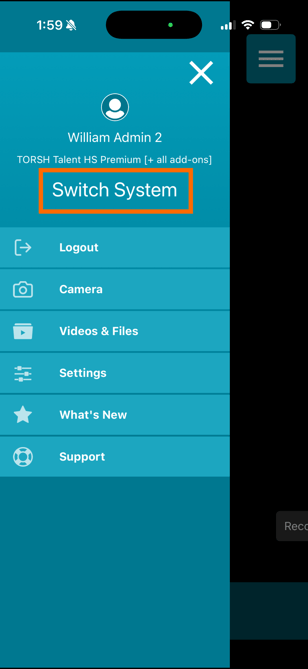
If you are already logged in and wish to switch accounts before recording and uploading, open the mobile app and click on the 'menu icon' in the top left-hand corner. Beneath your profile picture and name, click the button that says 'Switch System.'
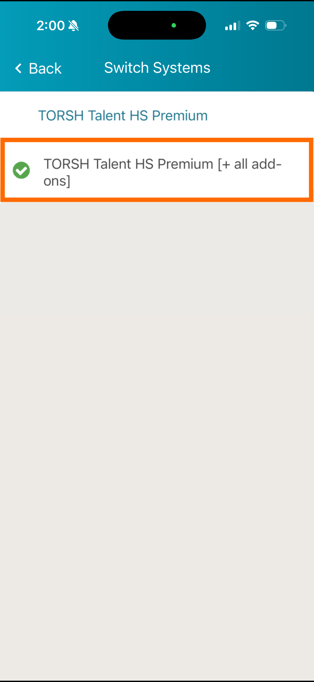
Then select the system you'd like to record and upload to!