
As an Admin or an author/moderator of a Learning Path module, you can assign an Complete a Data Form component to help direct learners in completing various observations, self assessments. Through this component, learners can evaluate assigned artifacts and complete forms directly through the Learning Path module!
To implement a Complete a Data Form component, first open a module. Add a new Page if needed and add a Section to that page. Then choose 'Add Component.' In the list of components, choose the 'Complete a Data Form' component.
Once the component has been added to the section, click on the 'Complete a Data Form' component to open its Edit view. Give your component a prompt title and a further description with instructions of what to complete.

Next, choose the Data Form Template you would like for the user to complete. Then choose the user or group you would like to assign the completion of this form to.
Under 'How will this Data Form be used?' choose the the type of form you would like to have this template completed as:
- Observation
- Self Assessment
- Data Form
If you choose an Observation or Self Assessment, you will then be need to choose whether the form process is Informal/Formal and whether it is for an in-person session or for an uploaded artifact.
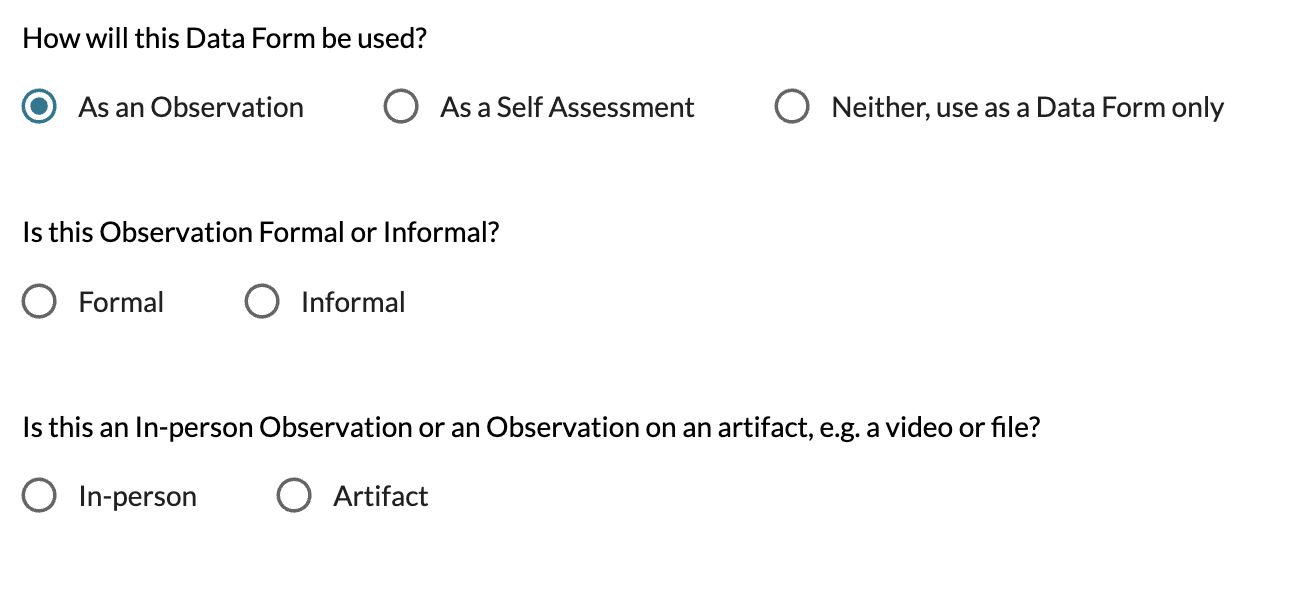
If the Observation or Self Assessment to complete is for an artifact, you will then be prompted to choose the artifact in question.
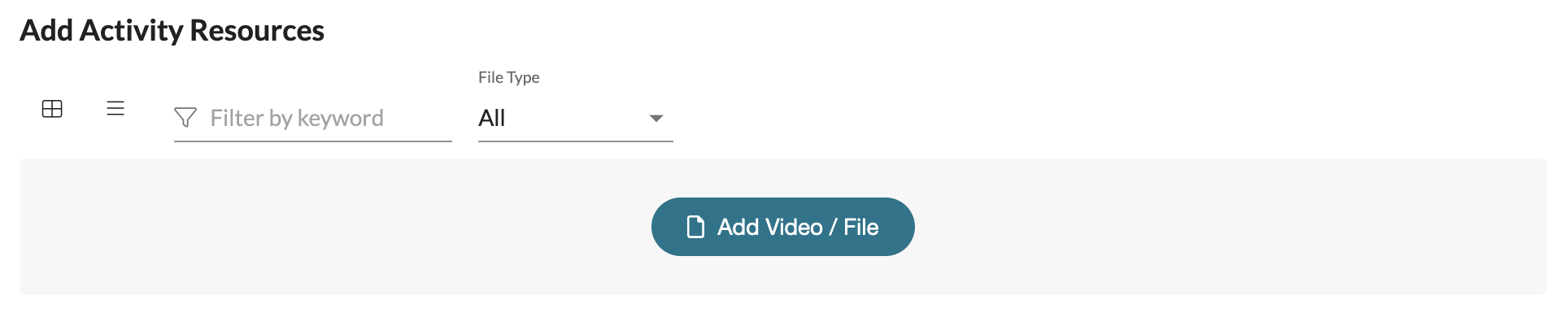
Afterwards, feel free to add an Resources (videos and/or files) that you think would be helpful for the completion of this task.
Lastly, you can mark this component as 'Required' if necessary. You can also enable Feedback Requests in case you would like for the participant of the form to be able to request further feedback on what they observe. Lastly, you can enable 'Edit After Completion' for the participant of the form to make further adjustments after marking the form as complete.
To learn more about how a participant completes a Complete a Data Form component, read this Help Center article here .