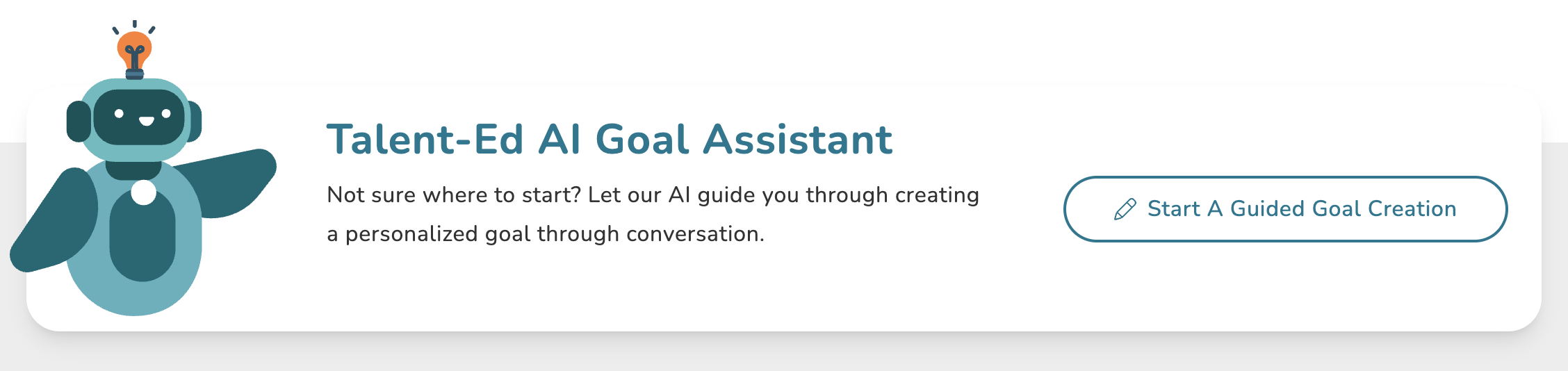
If you have access to our Goals AI Assistant add-on, you will have access to our Talent-Ed AI assistant on your Goals hub page in Coaching Corner wherein you can walkthrough authoring a new goal via the AI assistant. This tool is a great way to build out goals in a matter of seconds using only a few quick prompts.
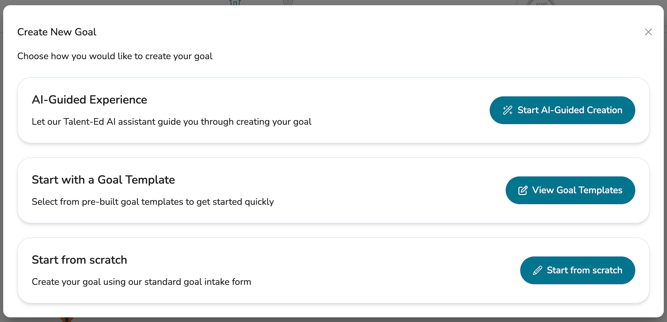
If you go to author a goal via any available 'Create Goal' button, you will also have the option to choose the 'AI-Guided Experience.'
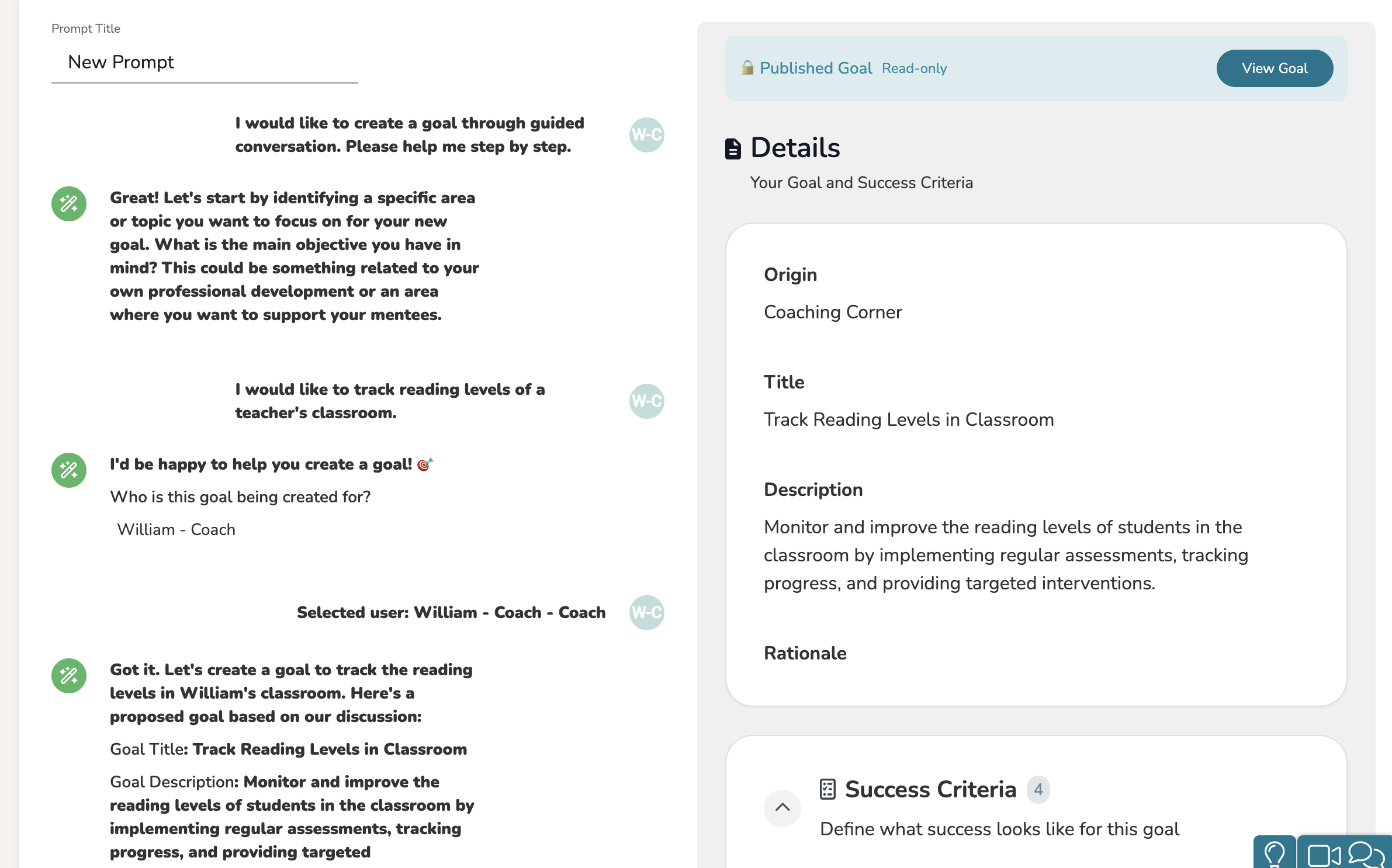
Creating a goal with our Talent-Ed AI Assistant is as easy as having a quick chat! Simply tell the AI Assistant what you would like for the goal to be about. Once the AI Assistant has enough information, it will prompt to you choose who the goal is for.
Once you have selected whom the goal is for, it will take a few moments to process the goal. The goal will then appear on the left-side panel, fully laid out and published. You can then choose to view the goal to modify it further.