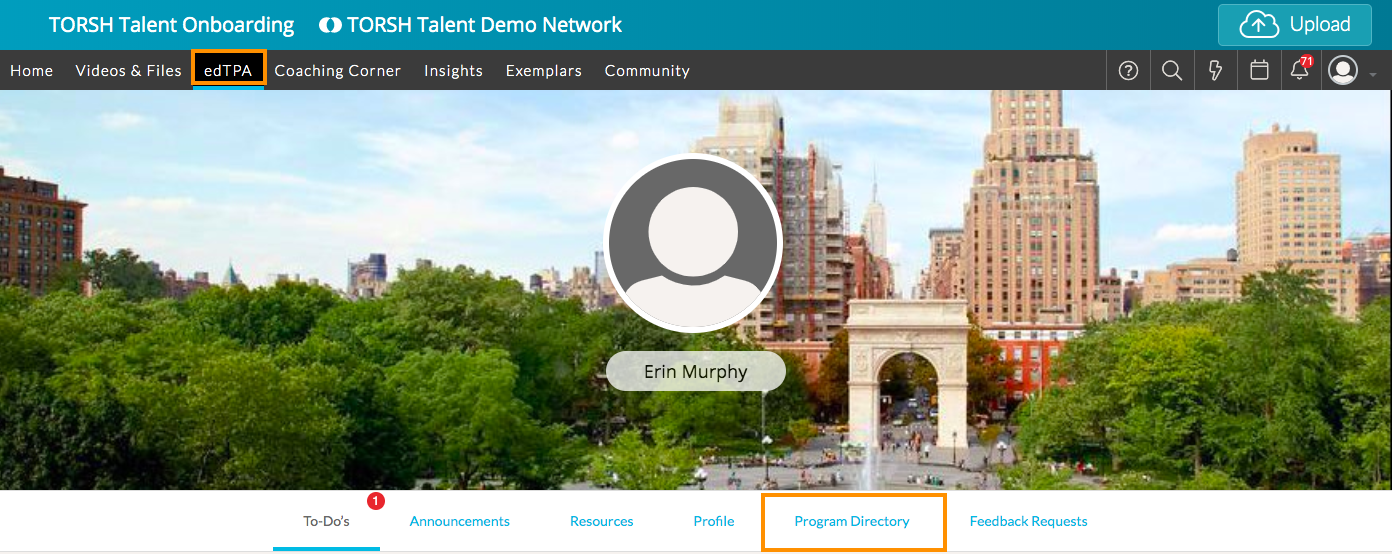
As a System Admin, you can download the edTPA Portfolios of the Mentees in your system! First, click on 'edTPA' at the top of the page and select 'Program Directory.'
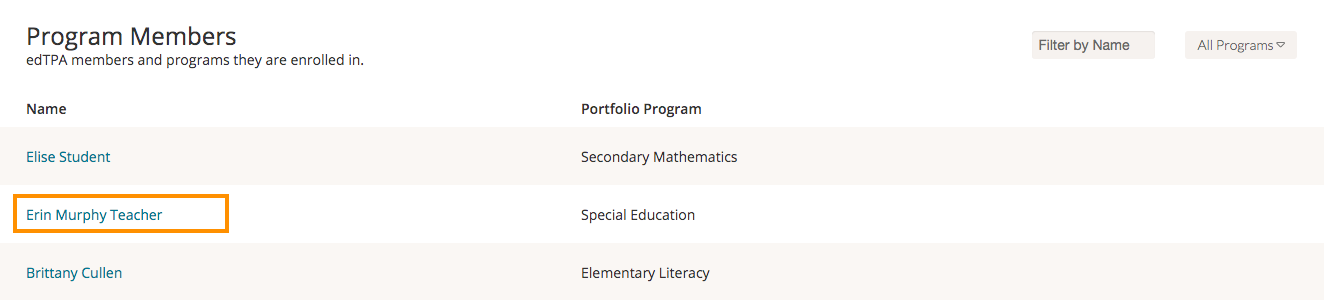
Next, choose the name of the user whose portfolio you would like to download.
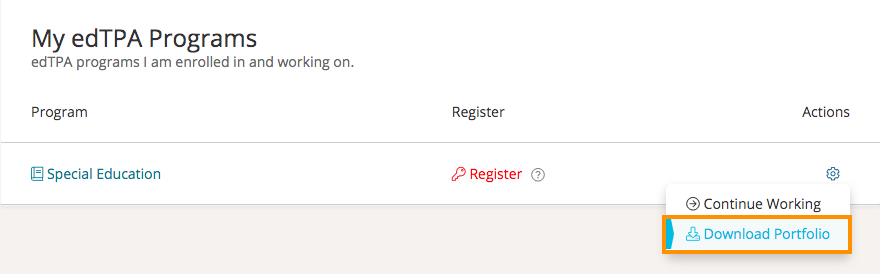
If the user has completed the portfolio or done work on it, you'll see 'Download Portfolio' from the Actions menu. Click this to download.