
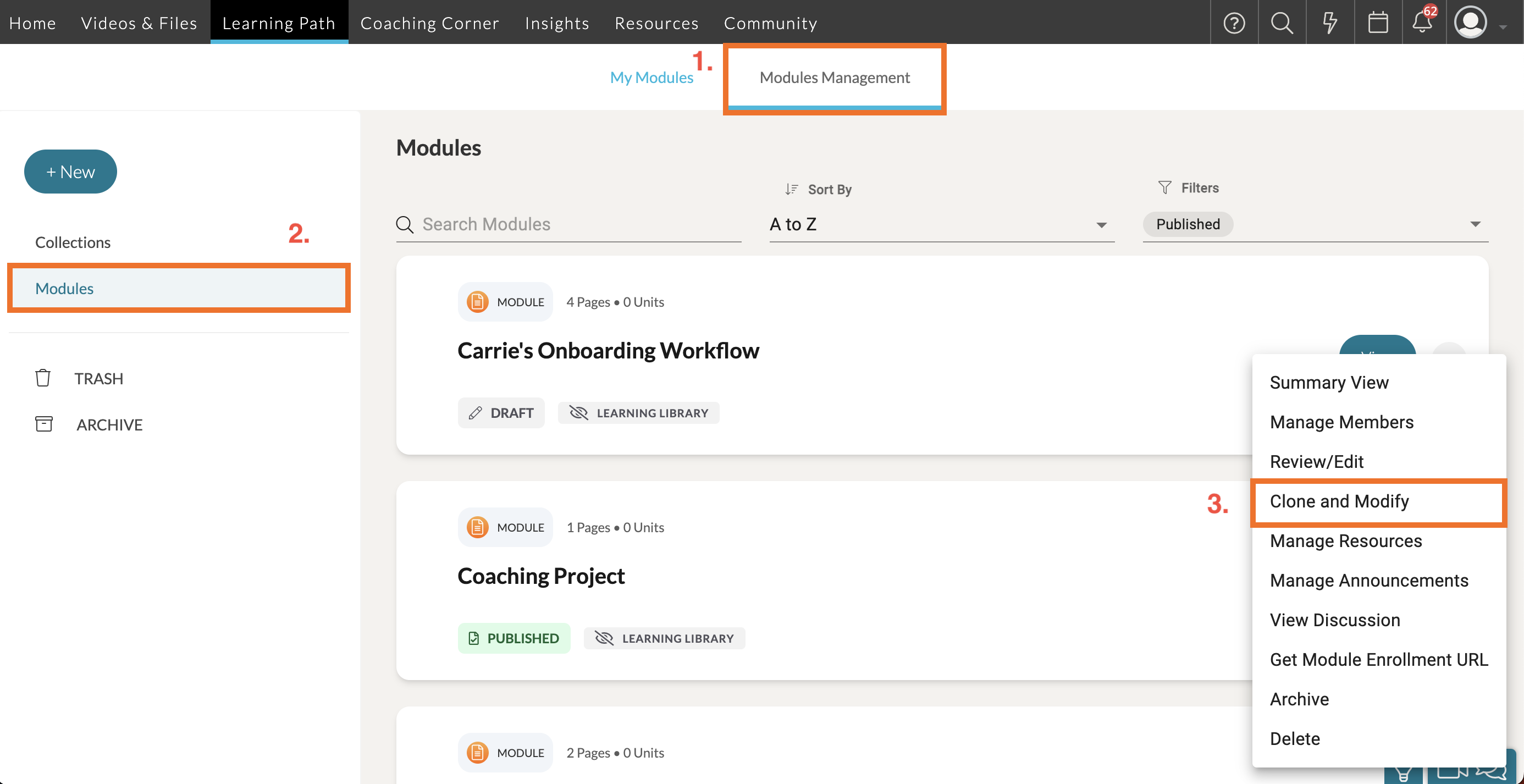
As a System Admin, or a Coach with Learning Path authoring privileges, or a moderator assigned to a specific Learning Path module, you can duplicate a module using the 'Clone and Modify' tool. To do so, go to 'Learning Paths' in your top navigation bar. Then click on the 'Modules Management' tab.
On the Modules Management page, click 'Modules' on the far, left-side panel. Then find your module in the listing and click the '...' icon next to the 'View' button. A dropdown list of actions will appear. Select ‘Clone and Modify’. This will automatically take you to the cloned module to modify further.
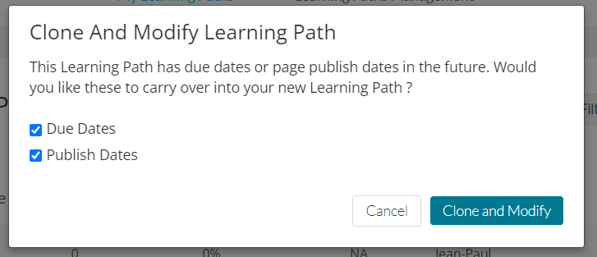
If the original module has due dates in the future, you can choose whether or not you want to carry the due dates over.
Make any adjustments, then add members, and publish the new module when you are ready!