
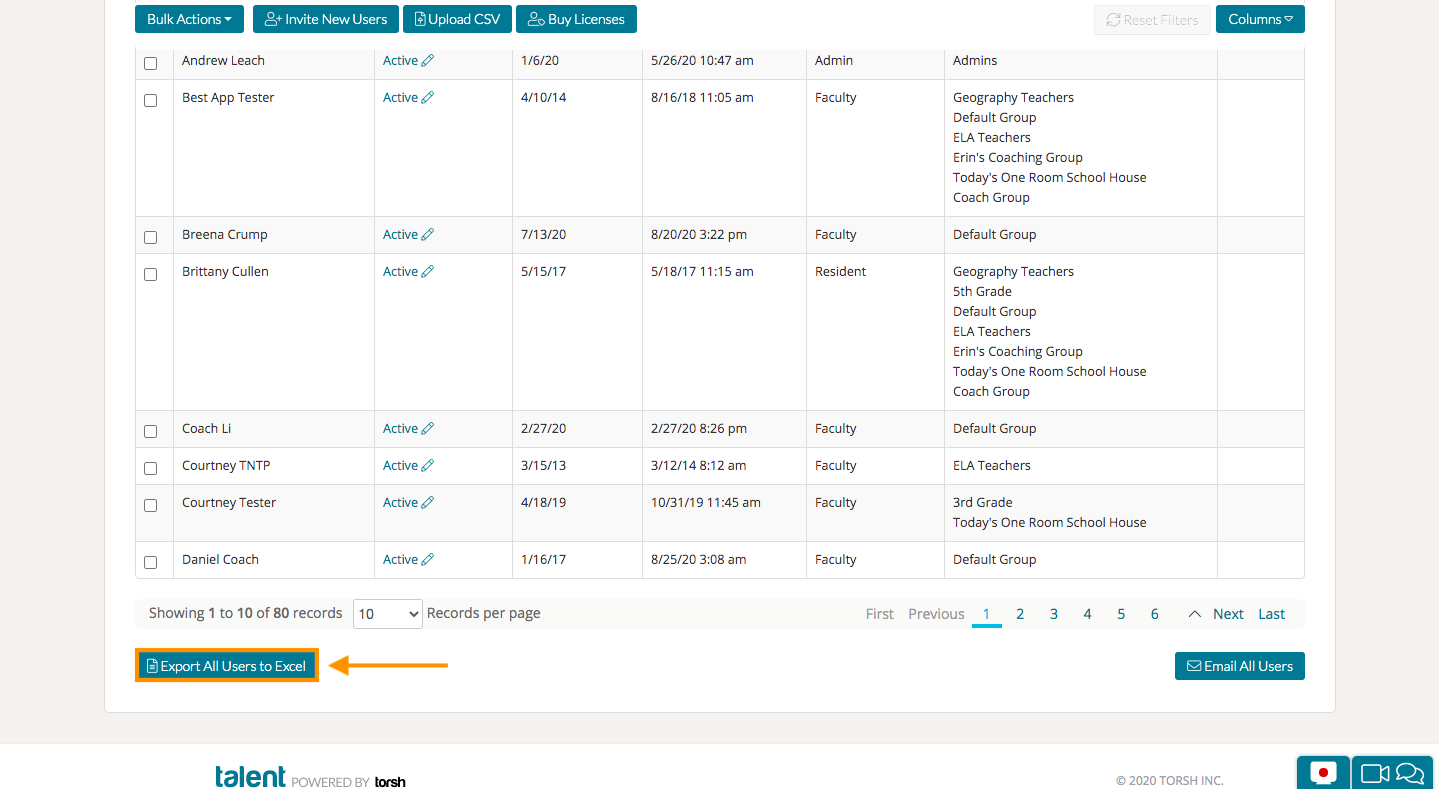
As a System Admin, navigate to the Users page of your Admin Management Panel. Scroll to the bottom and click the blue 'Export All Users to Excel' button.
You will get a list of all of your users, including their email addresses, account creation, and last seen date, their groups, number of videos, shares, comments, as well as their responses to any custom profile attributes.
Learn more about creating and managing custom profile attributes here.