
In the Exemplar Library, System Admins can highlight Exemplar Collections in the Exemplar Showcase.
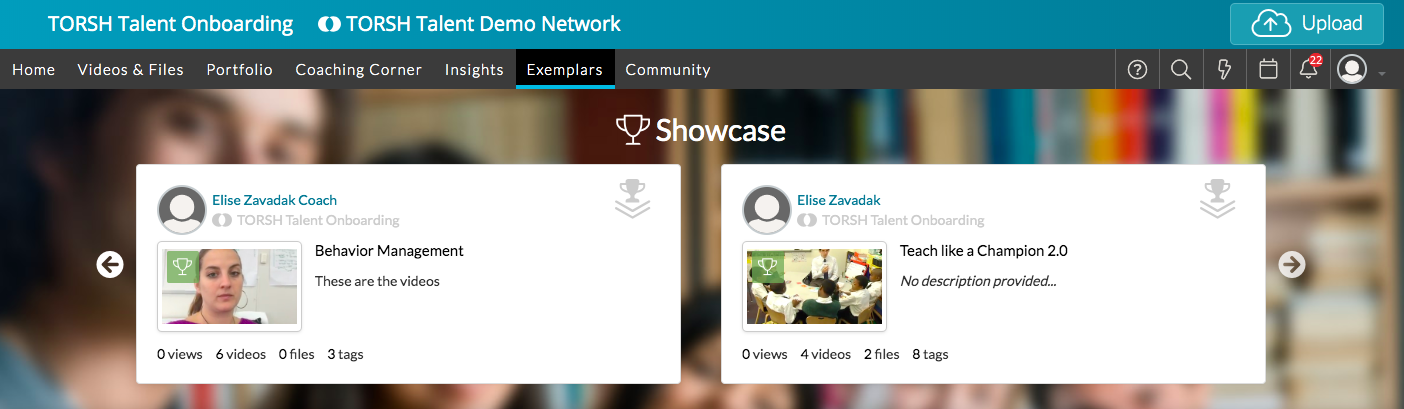
To do so, first click on the 'Exemplars' tab on your navigation bar. Then navigate to the 'Collections' panel on the left side and click on the Collection that you want to feature in the Showcase.
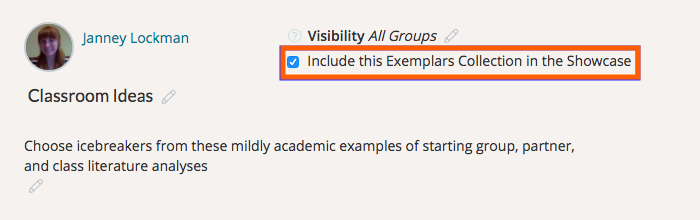
After clicking on the Collection's title, click the checkmark next to 'Include this Exemplars Collection in the Showcase.'
Once done, you can use the 'Back to Exemplars' button to see your Collection in the Showcase.
Rather watch a video? View a quick tutorial on adding a collection to the Exemplar Collection here. HIPAA users, click here.