
If you would like to link other users to a Forum in TORSH Talent, simply paste the URL of the Forum to link into the comment section of a video or file. Then click 'Add Comment.'
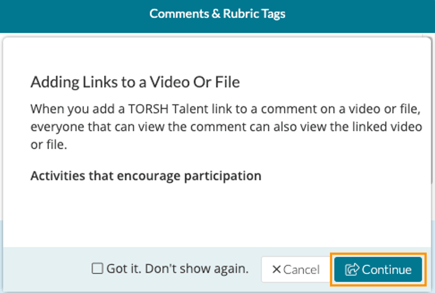
The following message will pop up to remind you that everyone with access to the video you are commenting on will be able to see the forum link. Click 'Continue' if you would like to proceed.
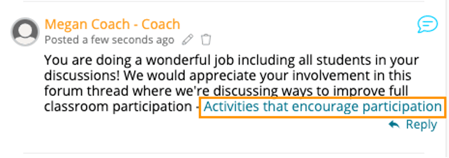
Your comment will be posted to the video/file, and the URL link will change to display the name of the Forum or Thread that you have linked to.
NOTE: If you link to a private forum or thread that the user is not a member of, they cannot view the forum.
Rather watch a video? Learn more about TORSH Talent's Forum feature here! HIPAA users click here.