
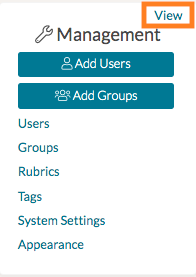
To upload resources for each of your edTPA programs, first locate the Management Panel on the left-hand side of your home page. Click 'View.'
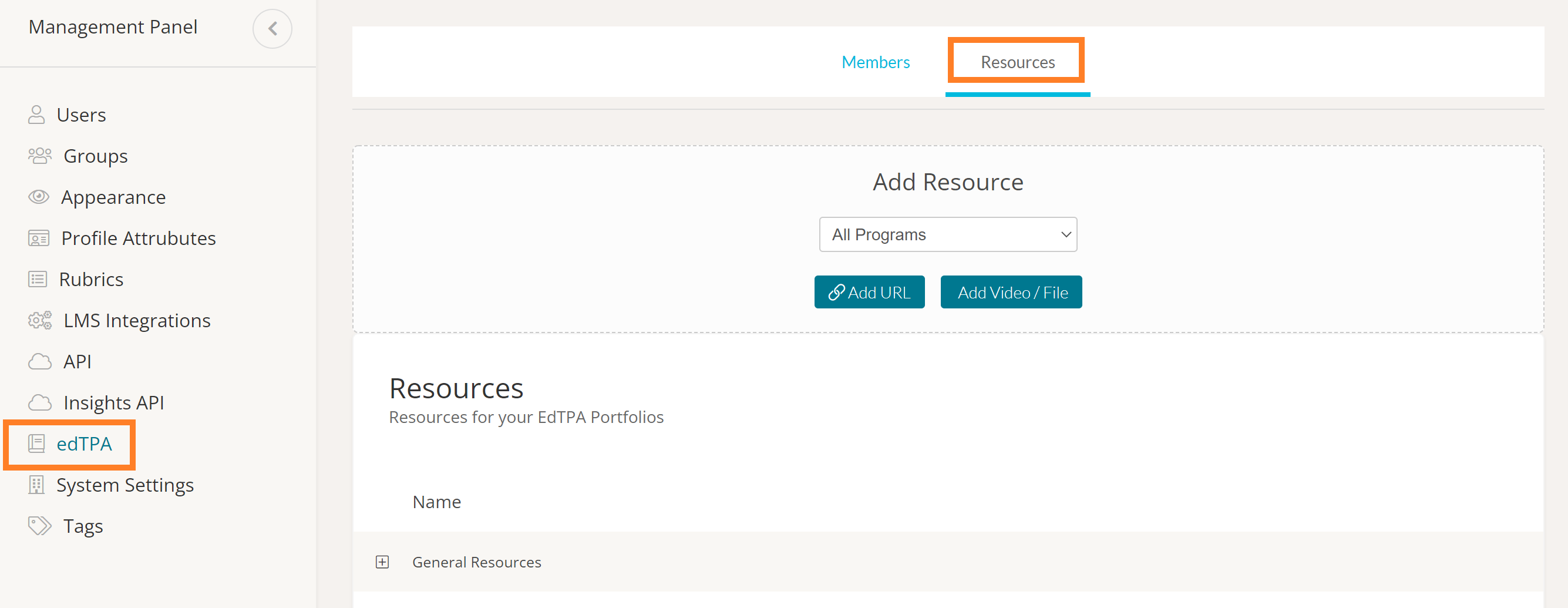
On the next page, select 'edTPA' from the left-side panel. This will load your system's edTPA settings. Next, click the 'Resources' tab.
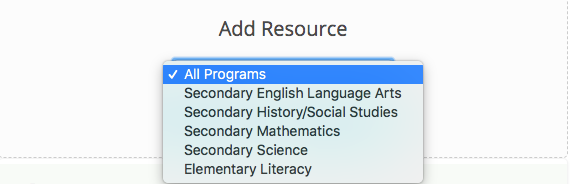
Select the program from the dropdown menu. You can select just one program, or you can upload a resource for all of the programs you have in your system by selecting 'All Programs' from the dropdown.
After you've selected which program the resources will be added to, click either 'Add URL' or 'Add Video/File,' depending on the type of resource you wish to upload.

Once the artifact or URL is uploaded, it will appear in your Resources list for the program(s) you selected and will be available to the edTPA participants in the selected program(s).