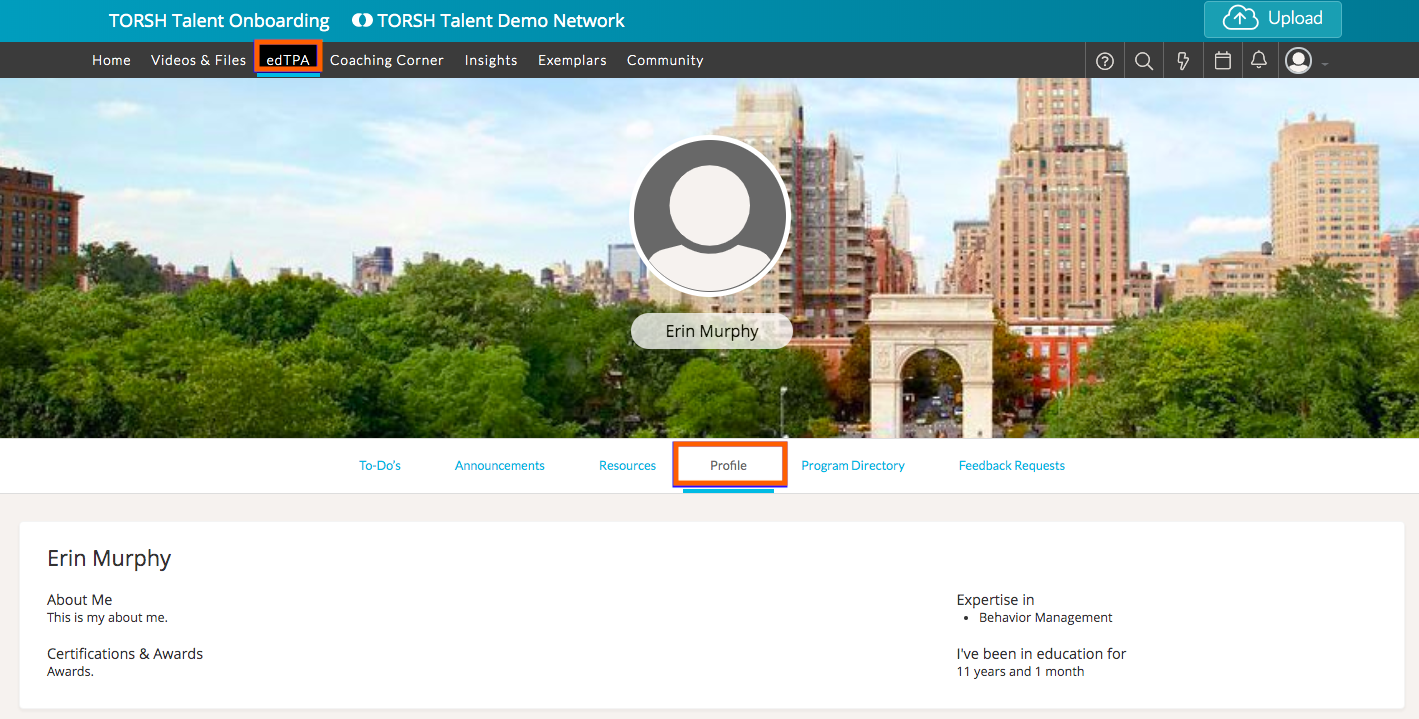
To manage your edTPA Profile, locate your profile icon in the top, right-hand corner of your TORSH Talent webpage. Click on it and select 'My Profile' from the dropdown menu.

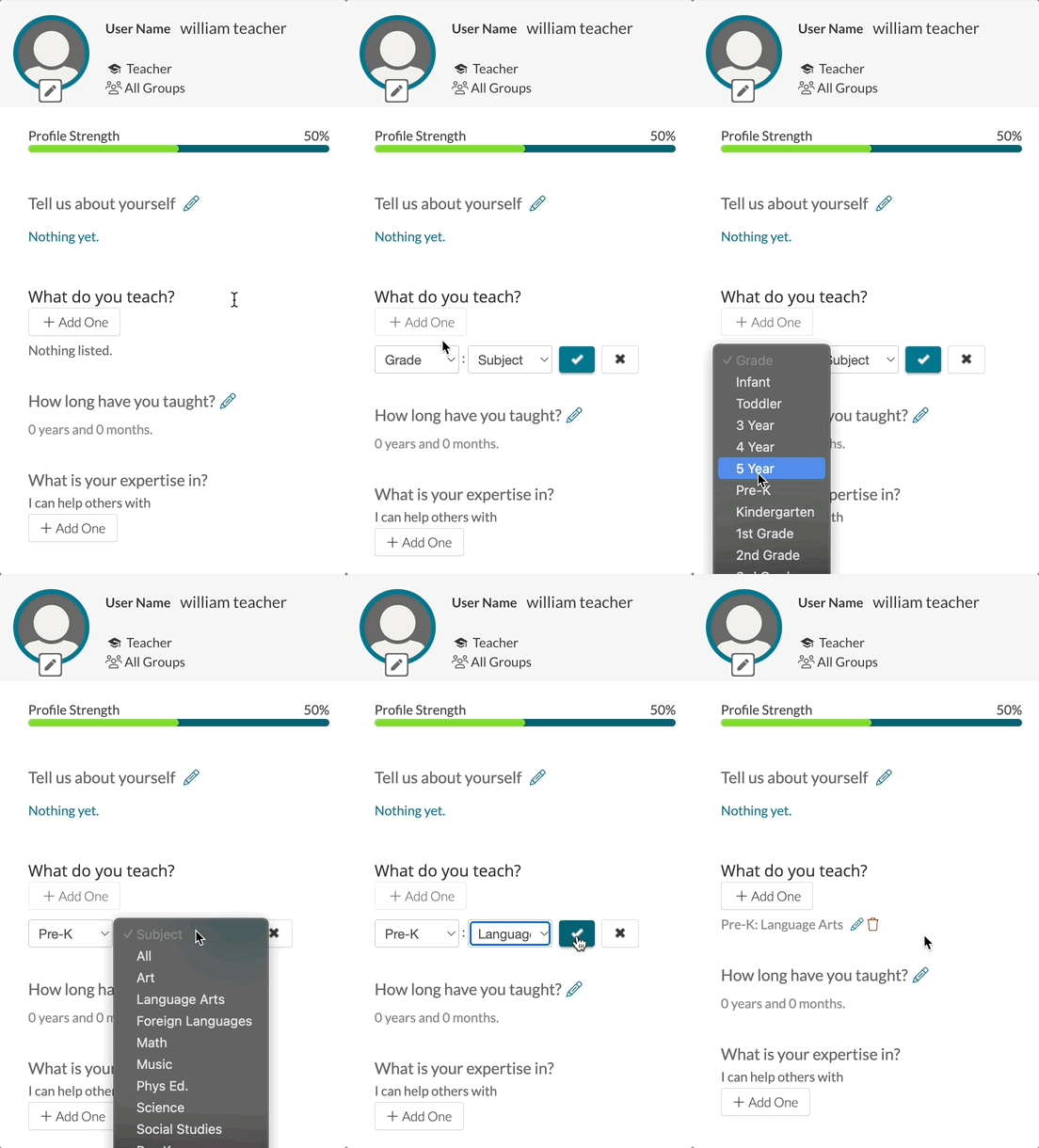
From there, click the 'pencil icon' next to whichever field you wish to modify and type in your response. To save your changes, click the blue 'checkmark icon.'
Your responses will then show up in the 'Profile' section of your edTPA page.