
As a System Admin of a system with API Integration enabled, you can manage Talent users from your own external API tool connected directly to your system's database.
To access your system's unique API database, first navigate to the Management Panel found on the left-hand side of your homepage. Next, click 'View.'

Next, look to the left-side panel and select 'API.' This will take you to the API integration settings specific to your system in Talent.
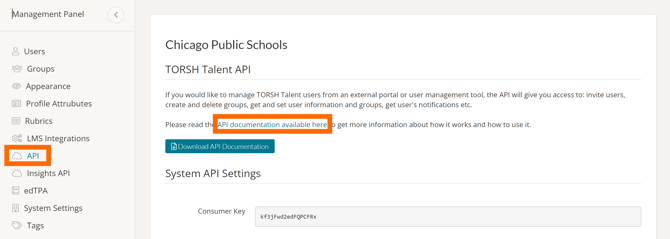
To learn more about all of the specific tools within our API integration, please read our API documentation here.
Rather watch a video? Check out our video tutorial on API here. HIPAA users, click here.