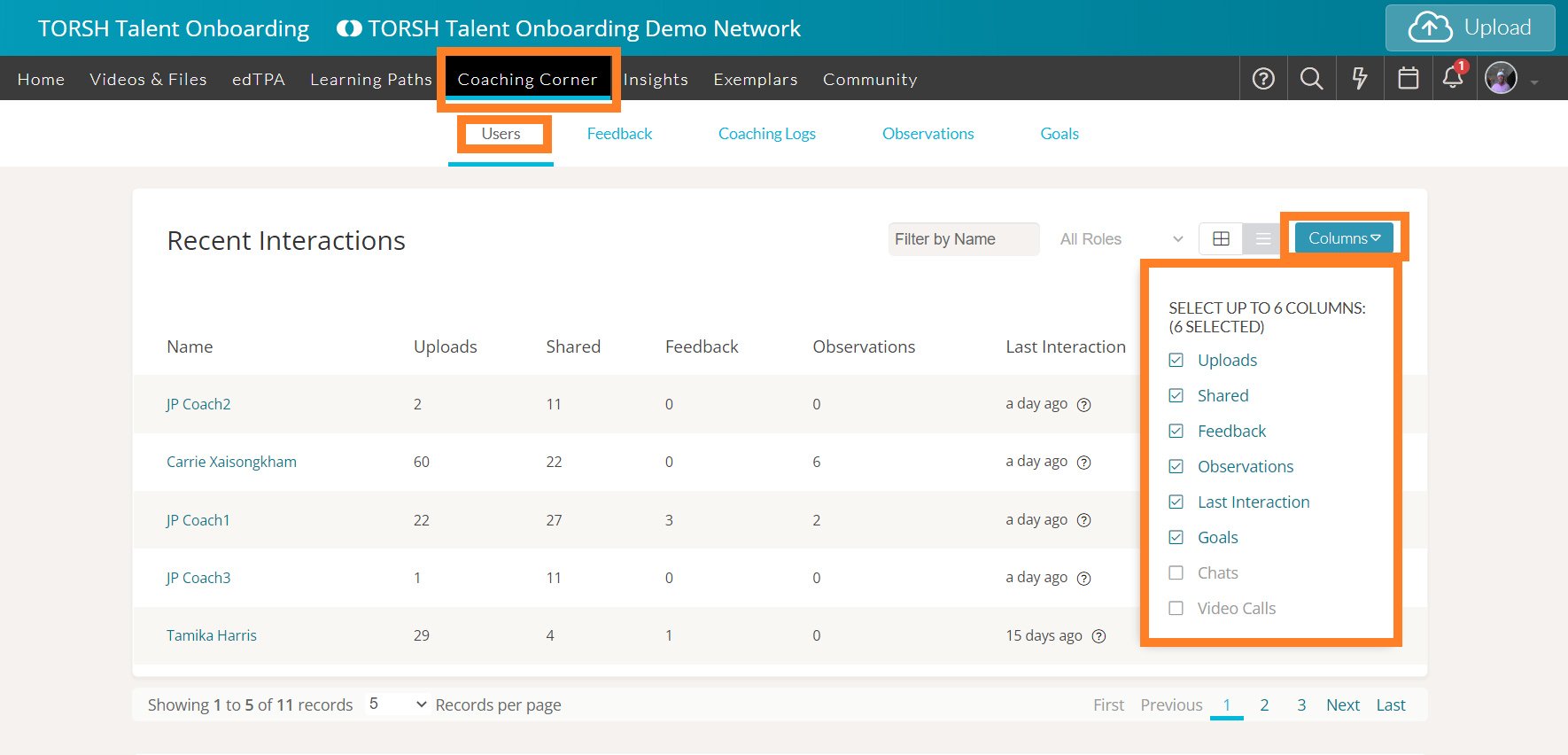
To customize the columns for details on the Users page of Coaching Corner, first, navigate to 'Coaching Corner.'
From the Users page, click the 'Columns' button in the top, right-hand corner. From the dropdown list provided, you can choose up to seven columns that you want to see listed.