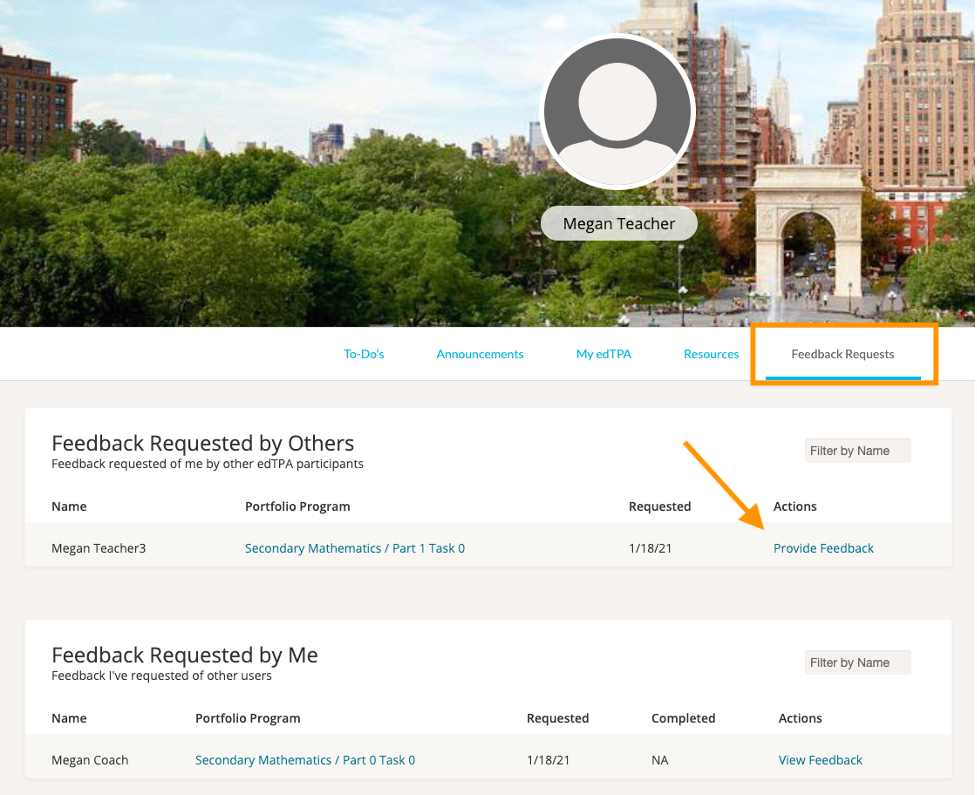
If an edTPA member has requested feedback from you on their edTPA portfolio, you can respond to the request by clicking ‘Feedback Requests’ from within edTPA.
There, in the 'Feedback Requested by Others' section, you will see your list of Feedback Requests. Click 'Provide Feedback' in the Actions column to give your feedback.
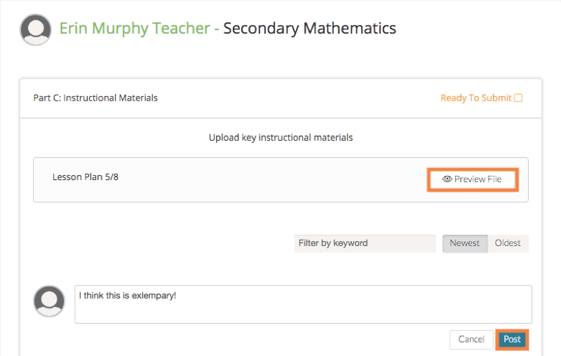
Next, review the submission, enter your feedback, and click 'Post.'