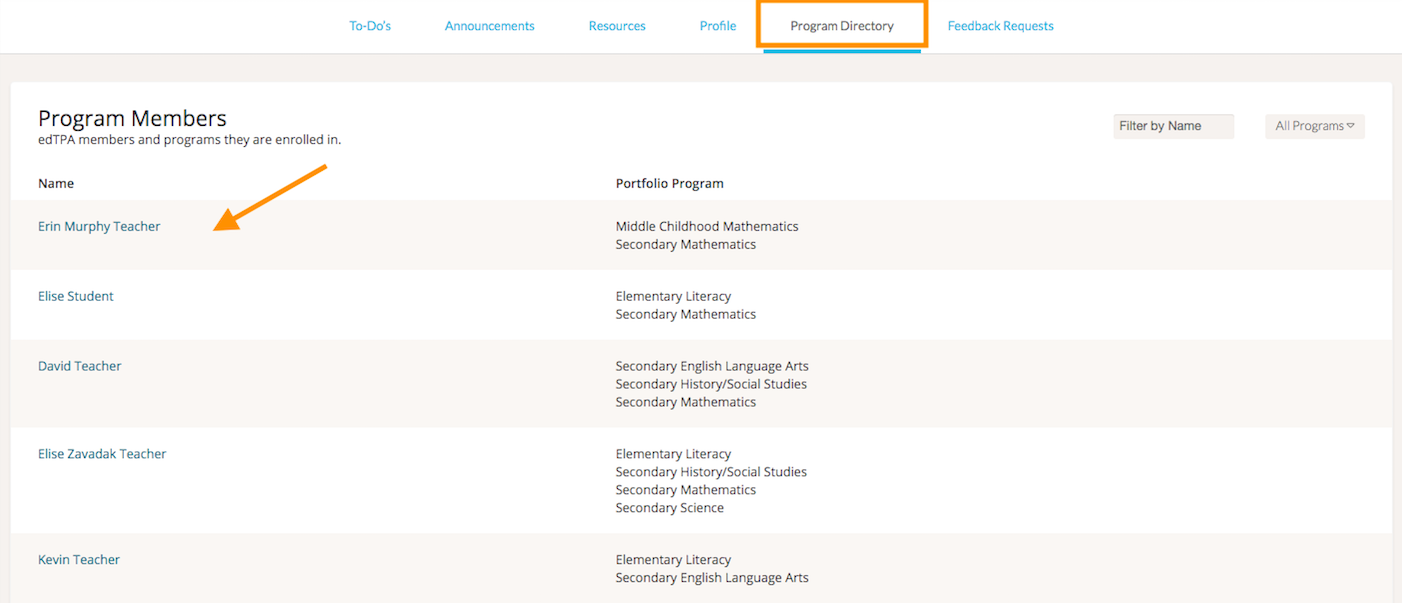
To review the edTPA Portfolios that Mentees in your system are working on, click 'edTPA' on your navigation toolbar. Then, select the ‘Program Directory’ tab.
This tab will show you a list of all of the edTPA members and the programs they are enrolled in. You can filter the list by name or edTPA program.
To open a user’s edTPA portfolio, click on their name from the list.