
Note: This feature is only available in systems with Zoom Integration enabled.
For systems with Zoom Integration enabled, you can schedule Zoom meetings directly through your Talent Calendar, which automatically creates a Zoom link in the invite.
-
First, click on the 'calendar icon' to display your calendar of upcoming events and meeting requests.
-
To schedule an event, click 'Schedule Event' in the right-hand corner.

-
You can then enter the name of the user you wish to schedule an event with, the name of the event, as well as a short description.
-
To ensure that the scheduled meeting is a Zoom meeting, please check the option, 'Make this a Zoom meeting.' Doing so will automatically create a Zoom link that will display in both the external calendar(s) linked to your TORSH Talent calendar as well as the description of the event found in your TORSH Talent calendar.

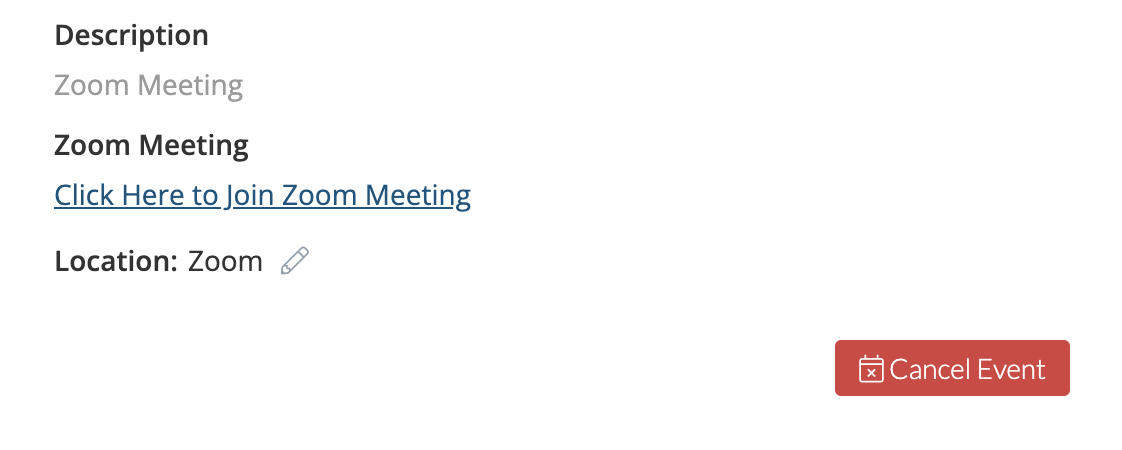
Attendees then have the option to click the link to join the Zoom Meeting once the meeting begins!