To view all of the videos & files shared between you and another user in Coaching Corner, first click on 'Coaching Corner' in your top navigation bar. From there, you will be brought to the Users tab, wherein you can view Recent Interactions as well as All Users you can interact with on the platform.
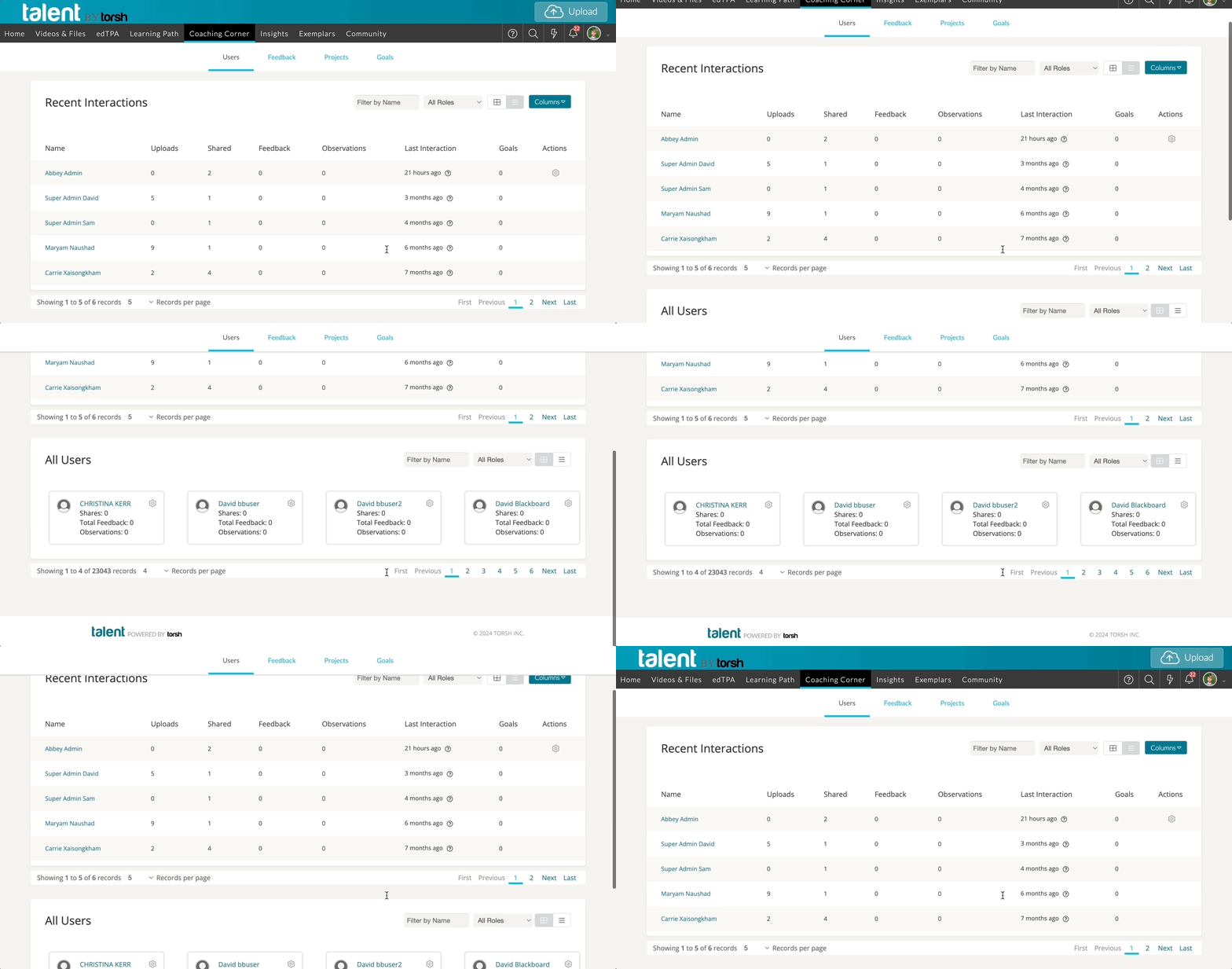
To view a specific user's shared videos & files, simply click on their name. You can also use the designated search filters to find a specific user.
NOTE: If you cannot find a specific user in your Coaching Corner, please reach out to your System Admin(s) and ask that you or the user be placed in the same Group together.
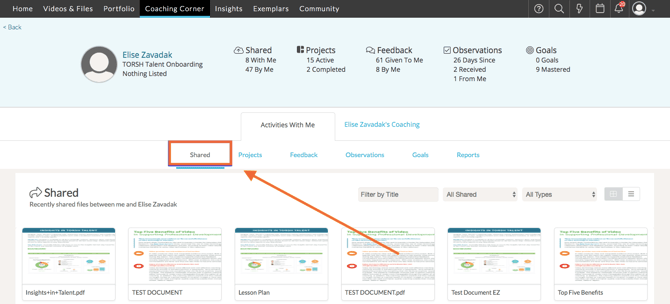
Once you select a user, you will be brought to their 'Shared' tab where you will see all of the recently shared videos and files between you and that user.