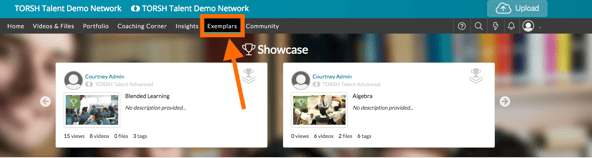
If you are a member of a Networked PLC, you can share exemplars with other systems in your Network. To share exemplars with your PLC, first navigate to your Exemplar Library by clicking 'Exemplars' on the navigation toolbar.
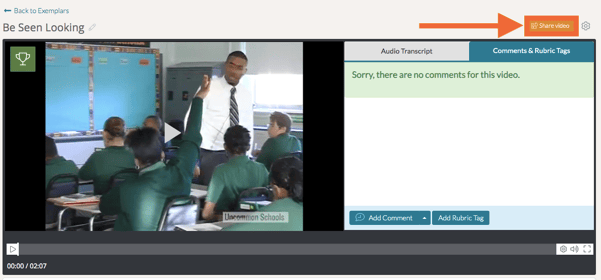
Select the exemplar artifact you want to share and click the orange 'Share' button.
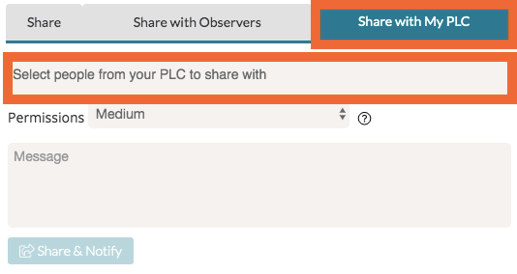
When the share screen appears, click the 'Share with My PLC' tab. From here, you can select users from your PLC that you want to share with.