
To view the Members in your Community on TORSH Talent, first navigate to the 'Community' tab in the top navigation bar.
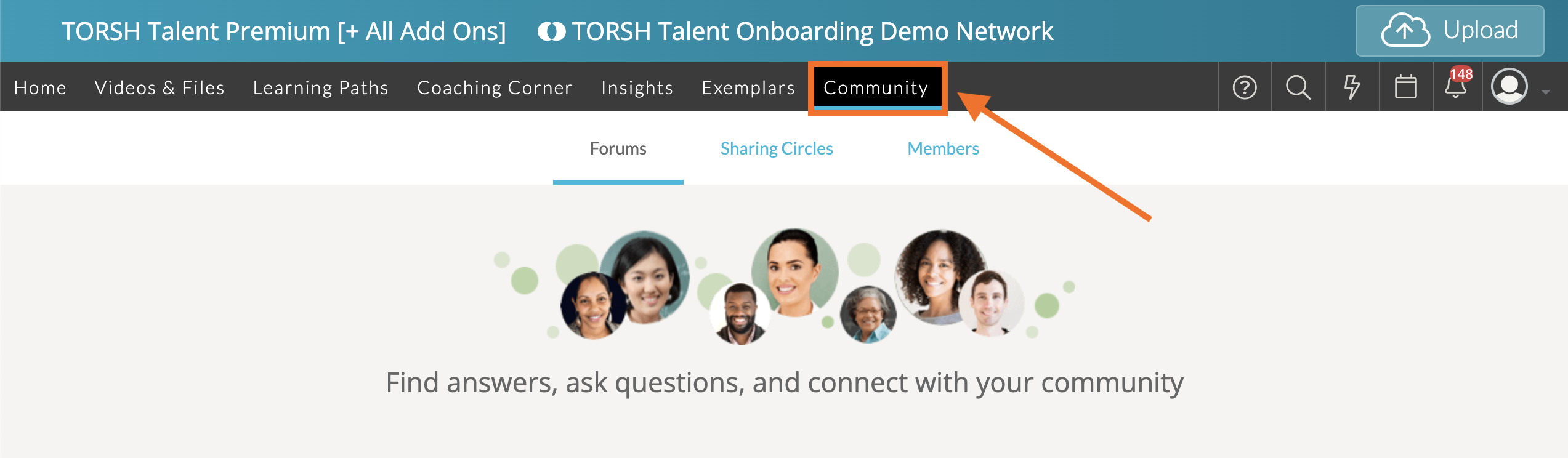
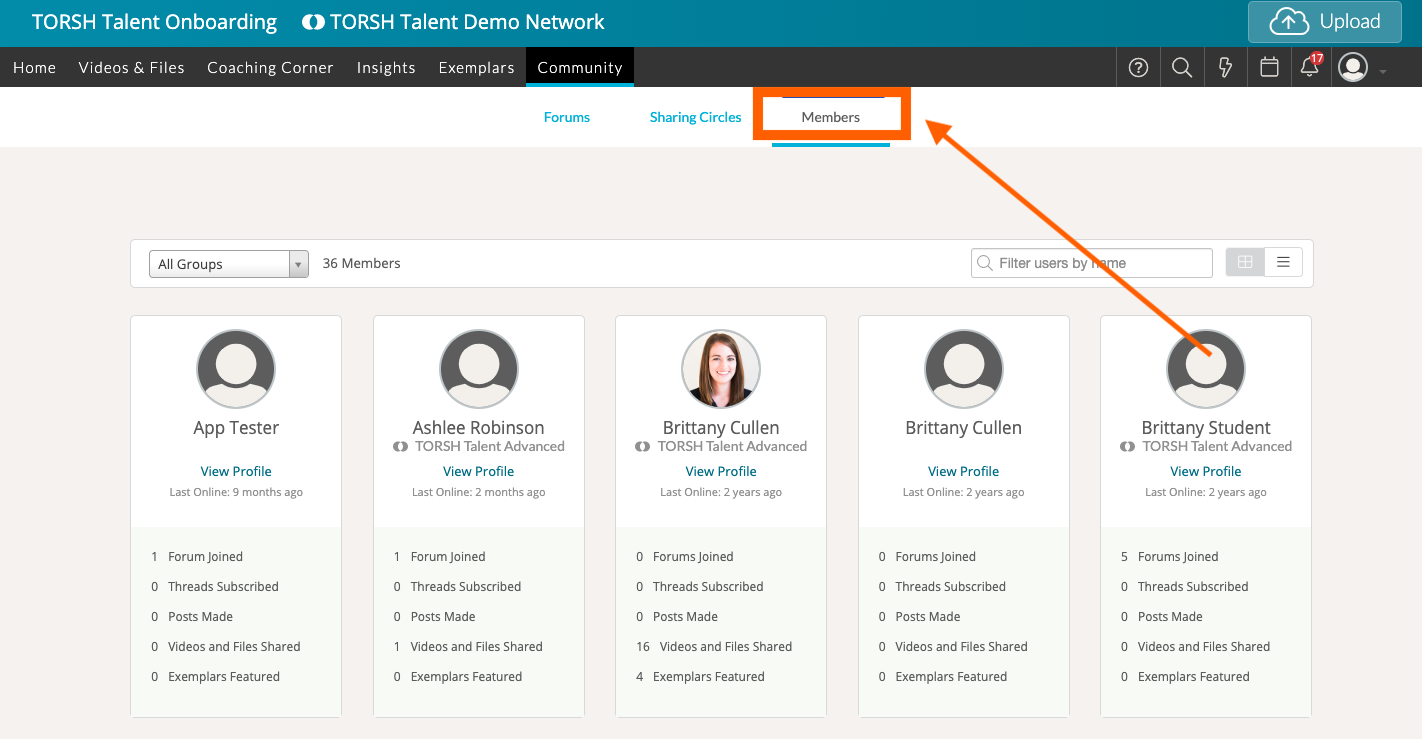
Click on the 'Members' tab, and you will be brought to the Members page where you can view all members who you can interact with in your Community.
Rather watch a video? To learn more about Members in Community, watch our video tutorial here. HIPAA users, click here.