Coaching Corner is your dedicated space within TORSH Talent to view and manage all the people whom you coach as a Coach role and/or view all of your training progress as a Mentee role. Here you can view and manage observations, self assessments, data forms, goals, and monitor any relevant coaching activity in the platform.
Contents:
Users
When entering Coaching Corner, you can perform various activities with other users within Talent. On the Users tab, you will see a list of all users you can interact with. The Recent Interactions list is automatically populated with users you frequently interact with in order to make working with them easier.

From the User page in Coaching Corner, select a user with whom you wish to work by clicking on their name. Once you have selected a user you will be brought to their page.

From this page you will be able to see artifacts shared between you and that user, observations/self assessments/data forms with that user, feedback that user has received/given, goals that have been created for that user, and their activity in the system.
Coaching Assignments
On the Coaching Assignments tab, you will find all Coaching Assignments assigned to you, if you are a Coach. If you are a Mentee, you will find all Coaching Assignments that you are a part of. This section acts as a quick reference point for who your assigned mentees or coaches are.

Shared With Me
On the Shared With Me tab, you will find all videos and files which you own or those shared with you that have recently been commented on by yourself or others. You can quickly interact with these videos and files from this page, allowing you to stay up-to-date on whether teachers or other users are responding to feedback.

Data Forms
The Data Forms tab is a place for you to view all pending and completed data forms you are working on. You can also view any data forms that have been shared with you.

Observations
The Observations tab is a place for you to view all pending and completed observations and self assessments, as well as those of you have requested to be completed by others within the system.
You can also view any observations/self-assessments that have been shared with you.

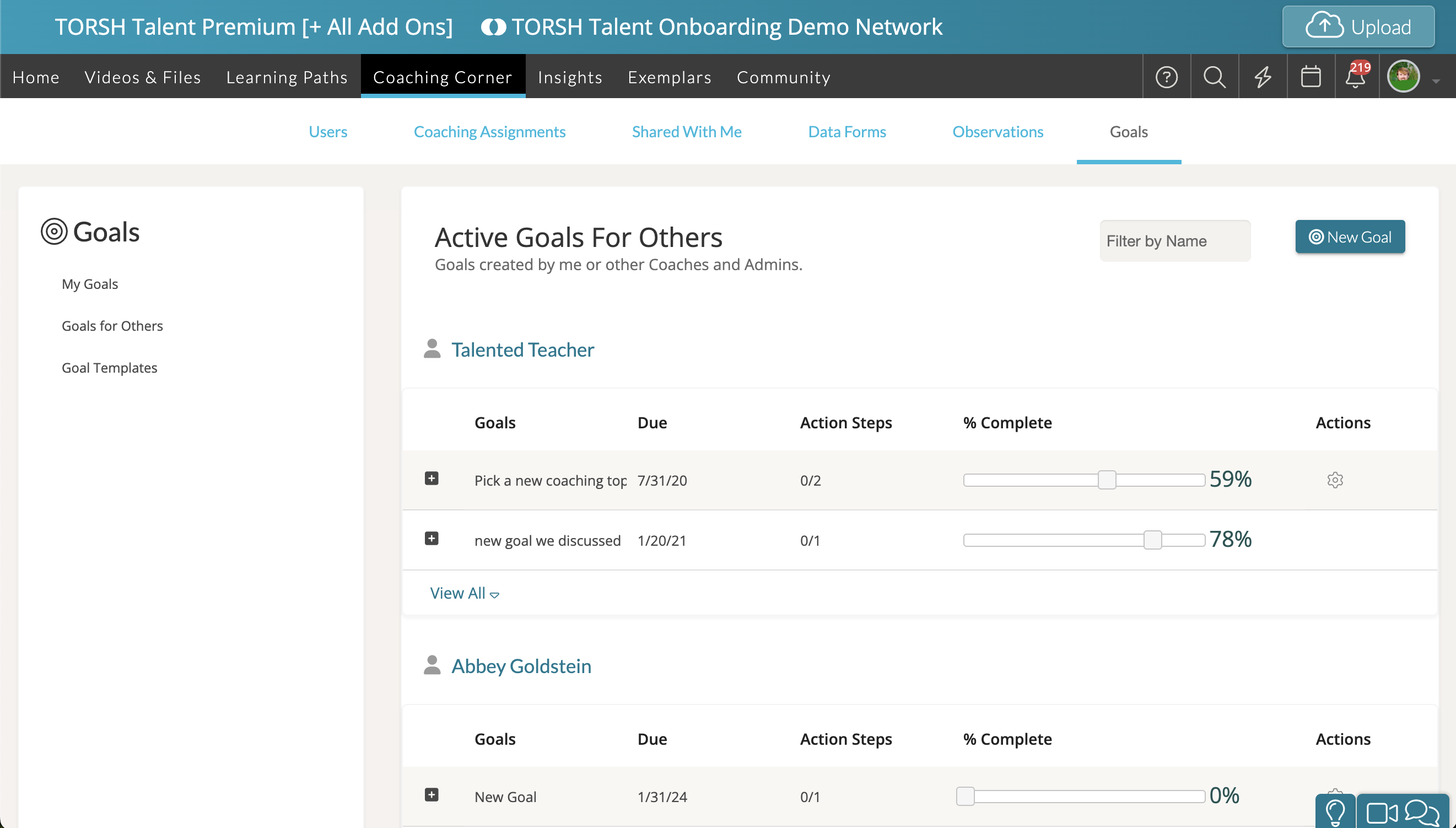
Goals
To view all Goals created for the users you are coaching or to set a goal for yourself, you can access the Goals page. All of your goals can be linked to a rubric and you can create an action plan around these goals using action steps.