
By default, the TORSH Talent mobile app will display an 'Import' button in the top, right-hand corner of your Videos & Files page.
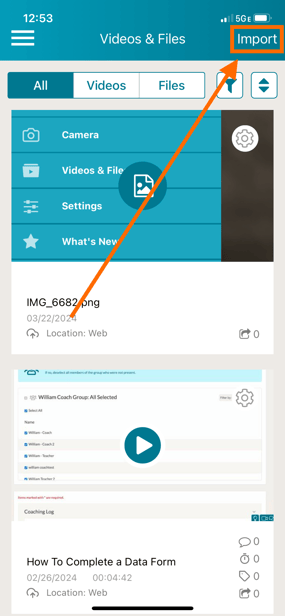
However, if the Import button does not display in your TORSH Talent mobile app, it is because your System Admins have enabled a system setting that disables the ability to import videos/files outside of the mobile app.
This setting is often implemented as an extra security measure by some systems in our Talent HIPAA-Secure platform to ensure that all videos uploaded through the mobile app are ones that were recorded using the mobile app.
If you have any questions about this setting not appearing in your mobile app, please reach out to your System Admins for further clarification.