
TORSH Talent accounts are created on an invite-only basis by the system administrators of your organization.
NOTE: If you are activating your TORSH Talent account via Canvas integration, please follow the steps addressed here instead.
If you are trying to access a TORSH Talent account directly through the Talent website, the first thing to do is to check with your system admins to see if they can send you an account invitation to join your colleagues on TORSH Talent.
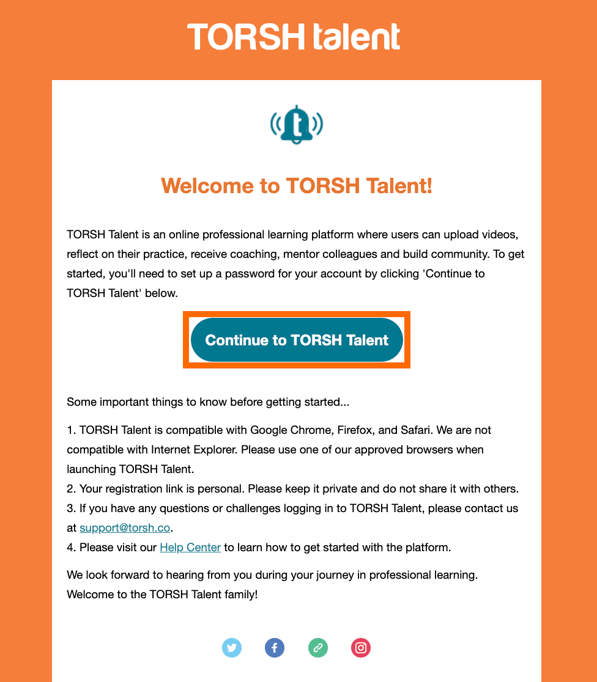
If you receive an invitation to join the platform in your email inbox, open the email and click 'Continue to TORSH Talent.'
You will then be prompted to enter your first name, last name, and create a password for your account. Once you have done this, click 'Enroll' to activate your account.
Depending on your organization, you may then be prompted to answer a few Profile Attribute questions. Answer these questions to the best of your ability. You will then be brought to your Home page! Welcome to TORSH Talent!