
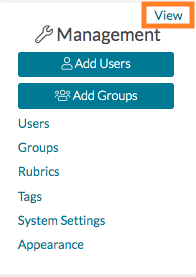
As a System Admin, you can manage your system’s edTPA settings from your Admin Management Panel. First, locate the Management Panel on the left-hand side of your home page. Click 'View.'
On the next page, select 'edTPA' from the left-side panel. This will load your system's edTPA settings.
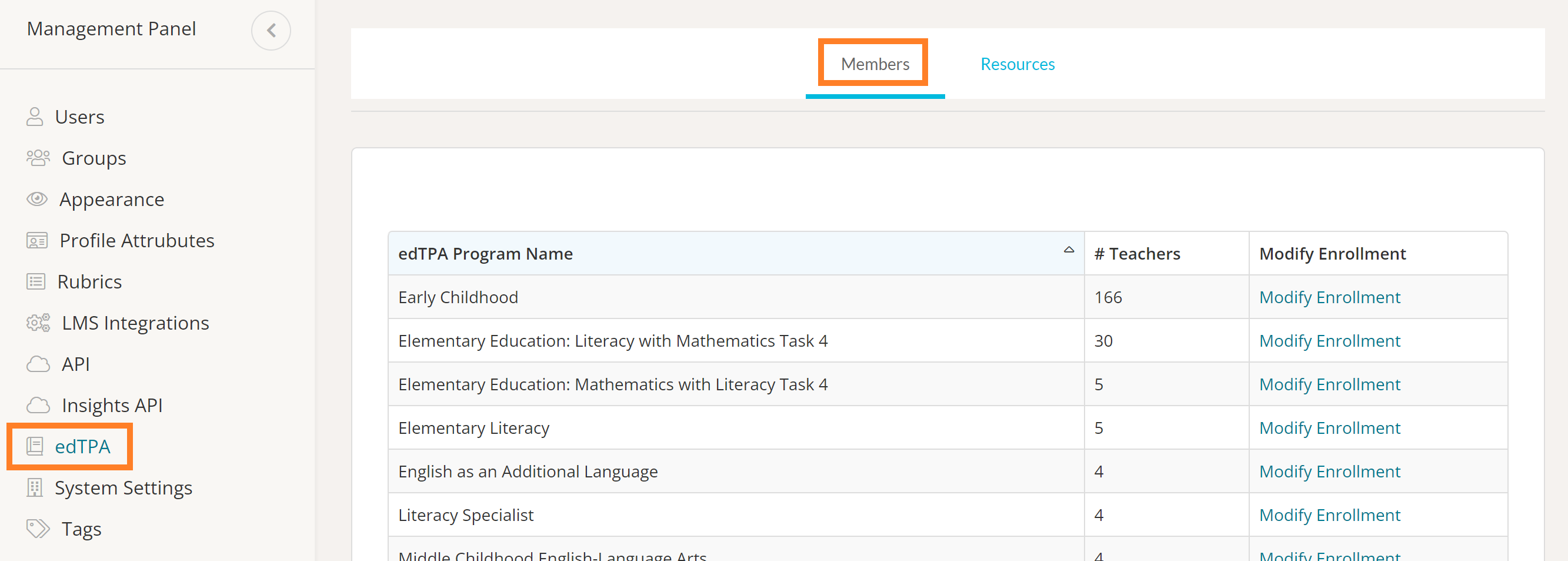
In your system's edTPA settings, you can manage the Members and Resources for your edTPA programs!
- To learn more about managing Members in your edTPA programs, read more here .
- To learn more about managing Resources in your edTPA programs, read more here .